> ## Documentation Index
> Fetch the complete documentation index at: https://algolia.com/llms.txt
> Use this file to discover all available pages before exploring further.
# Exhaustive sorting
> Learn how to exhaustively sort by an attribute using standard replicas.
export const SearchQuery = () =>
search query
;
export const Records = () =>
records
;
export const Index = () =>
index
;
Exhaustive sorting refers to strictly reordering results by an attribute.
For example, you can exhaustively sort results from lowest to highest price,
regardless of [textual relevance](/doc/guides/managing-results/relevance-overview/in-depth/ranking-criteria)
and [custom ranking](/doc/guides/managing-results/must-do/custom-ranking).
It's intended for use cases requiring strict sorting or where relevance isn't essential,
like an inventory app or a database.
An alternative to exhaustive sorting is [relevant sorting](/doc/guides/managing-results/refine-results/sorting/in-depth/relevant-sort).
## Effect on ranking formula
In Algolia, each of your indices has a ranking formula of two or three parts:
* [Sort-by attributes](/doc/guides/managing-results/refine-results/sorting/how-to/sort-by-attribute) (optional)
* [Textual ranking criteria](/doc/guides/managing-results/relevance-overview/in-depth/ranking-criteria)
* [Custom ranking](/doc/guides/managing-results/must-do/custom-ranking), also known as business ranking criteria
### Sort-by attribute
You should only add a [sort-by attribute](/doc/guides/managing-results/refine-results/sorting/how-to/sort-by-attribute) to [replica indices](#backend-implementation).
If a sort-by attribute is present, Algolia first orders results by the sort-by attribute's value.
For example, suppose you have an where you've set "price (ascending)" as a sort-by attribute.
For the `iphone`, Algolia first selects all that match `iphone` (and alternatives like prefixes, typos, and synonyms) in the [`searchableAttributes`](/doc/api-reference/api-parameters/searchableAttributes).
Then, it orders the results from lowest to highest price.
* Once sorted by the sort-by attribute's value (price), products with the same price are ordered according to Algolia's default [textual ranking criteria](/doc/guides/managing-results/relevance-overview/in-depth/ranking-criteria).
* If records have the same values for all textual ranking criteria, Algolia orders them by [custom ranking](/doc/guides/managing-results/must-do/custom-ranking).
In summary, **textual ranking criteria come after your selected sort-by attribute.**
With exhaustive sorting,
if the sort-by attribute values are granular and or relatively unique, the textual ranking criteria won't have a significant role in ranking.
For example, consider exhaustively sorting on a timestamp attribute down to the millisecond.
If none of your records have the same timestamp value,
the timestamp is the only attribute that plays a role in ranking.
Depending on your use case,
this may be what you want,
or you may want to decrease your timestamp granularity,
or [relevant sorting](/doc/guides/managing-results/refine-results/sorting/in-depth/relevant-sort) might be a more appropriate choice.
To learn more, see:
* [Sort by attribute](/doc/guides/managing-results/refine-results/sorting/how-to/sort-by-attribute)
* [Sort an index by date](/doc/guides/managing-results/refine-results/sorting/how-to/sort-an-index-by-date)
## Backend implementation
To ensure a fast search experience, the engine sorts your data at indexing time.
Therefore, each of your indices can only be sorted in one way.
However, to allow for multiple sort orders, Algolia uses replica indices.
### Exhaustive sorting uses standard index replicas
A replica is a copy of one of your indices,
with the same data and synchronized data updates, but can have unique settings.
The index from which you copy a replica's data is the replica's primary index.
**If you want to configure an exhaustive sort-by, use [standard replicas](/doc/guides/managing-results/refine-results/sorting/in-depth/replicas#standard-and-virtual-replicas).**
For each attribute you want to sort by,
create a replica index,
which contains a copy of all the data in your primary index.
## Frontend implementation
Replica indices manage the backend of sorting, but you still need to implement the frontend with
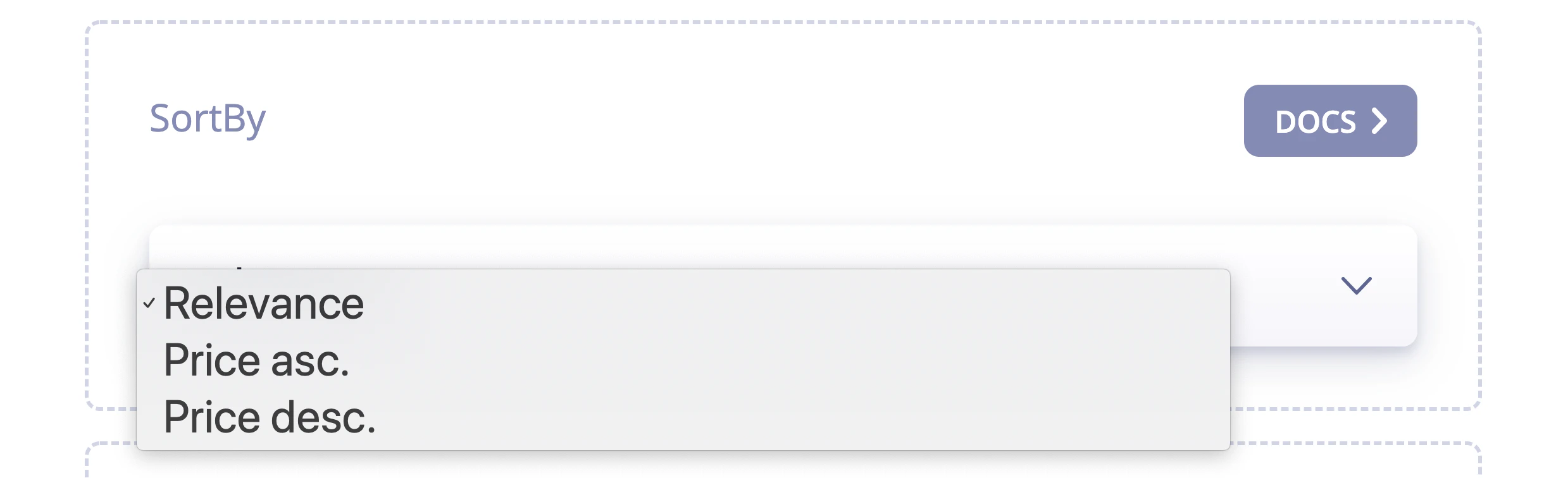
custom logic or [InstantSearch's SortBy UI widget](/doc/guides/managing-results/refine-results/sorting/how-to/use-sorting-ui-widget).
 ## Sorting and optional filters
[Optional filters](/doc/api-reference/api-parameters/optionalFilters) are applied *after* the sort-by attribute.
Therefore, you can't use rules to boost or bury records with indices with sort-by attributes.
## Sorting and optional filters
[Optional filters](/doc/api-reference/api-parameters/optionalFilters) are applied *after* the sort-by attribute.
Therefore, you can't use rules to boost or bury records with indices with sort-by attributes.