> ## Documentation Index
> Fetch the complete documentation index at: https://algolia.com/llms.txt
> Use this file to discover all available pages before exploring further.
# Monitor indexing
> Learn how to check the status of indexing operations for Algolia's commercetools connector.
export const Records = () =>
records
;
After triggering a [full reindex](/doc/integration/commercetools/get-started/configuration#trigger-a-full-reindex) in the tasks list, you can check the progress of an indexing operation
in the [Connector Debugger](https://dashboard.algolia.com/connectors/debugger).
## Run overview
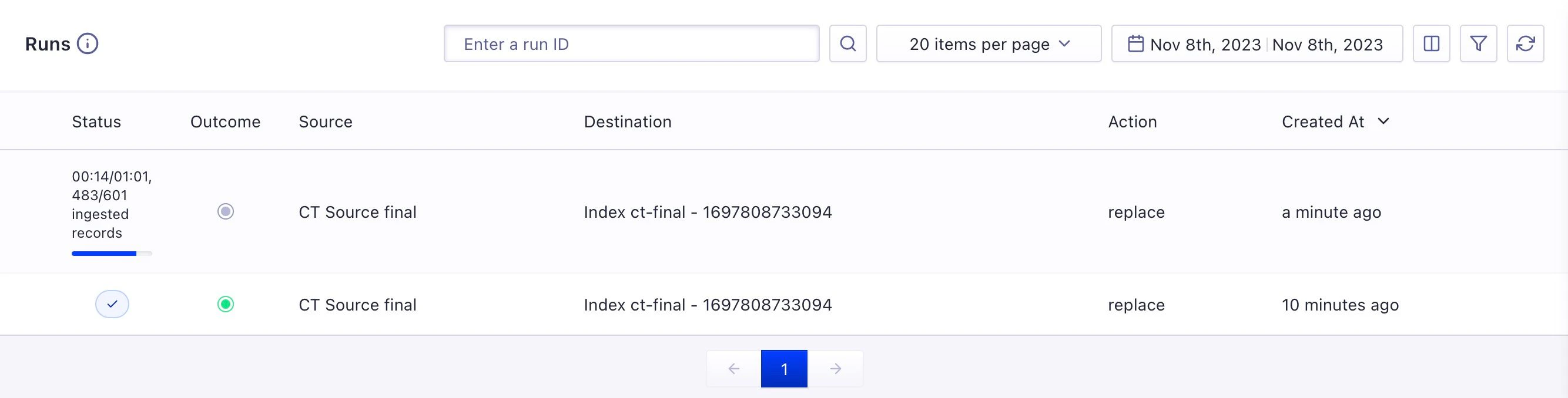
The **Runs** list shows details, such as the status, the source, the destination, and a time for each run.
 ## Run details
Select a run from the list by clicking on its row.
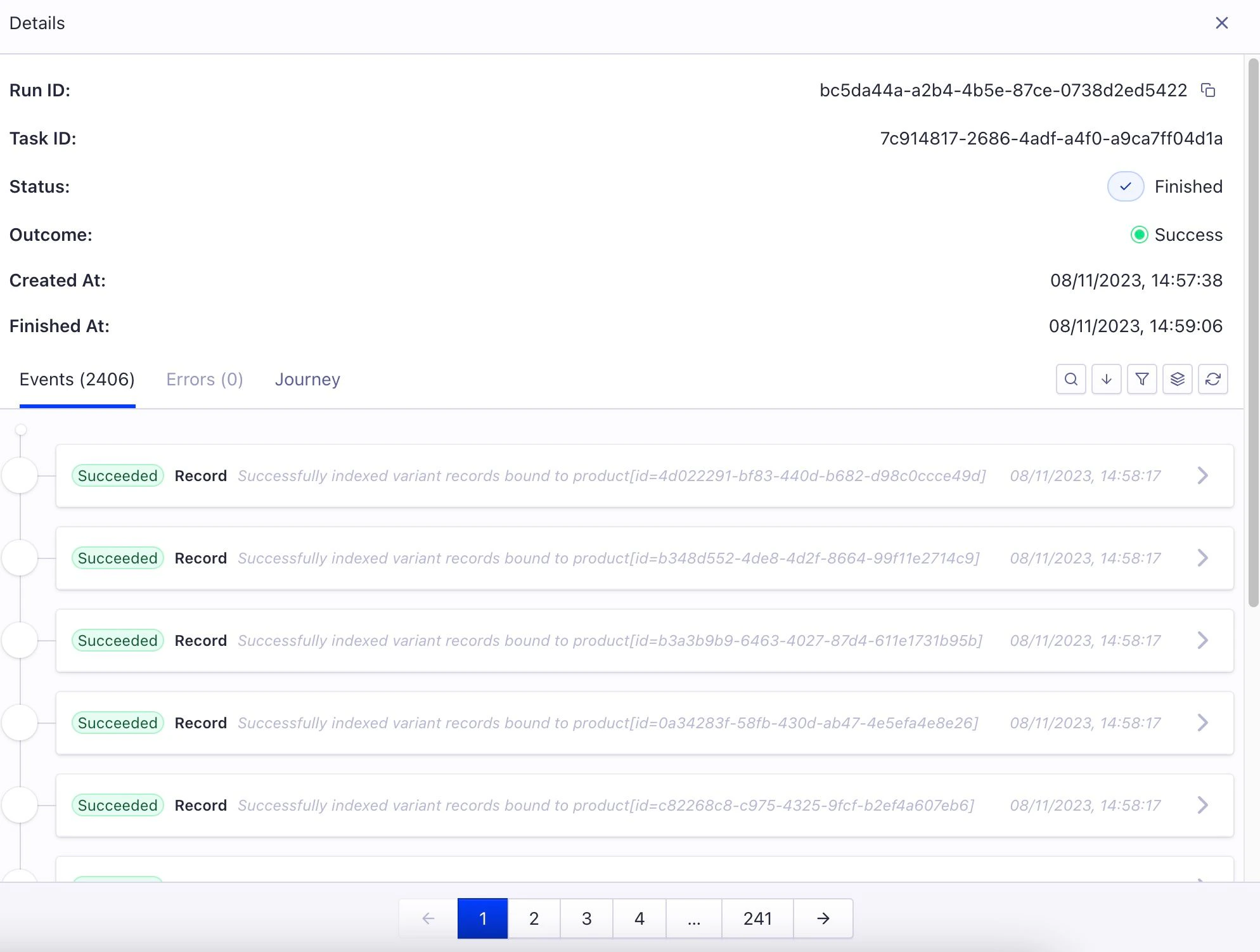
The **Details** panel shows the progress and details of an individual run including:
* The identifiers of the run and the task
* The **Status** and the **Outcome** of the run
* When the run has started and finished
* A panel with and errors details
## Run details
Select a run from the list by clicking on its row.
The **Details** panel shows the progress and details of an individual run including:
* The identifiers of the run and the task
* The **Status** and the **Outcome** of the run
* When the run has started and finished
* A panel with and errors details
 ## Record and error details
Select a record or an error in the **Events** panel to display more information about it.
## Record and error details
Select a record or an error in the **Events** panel to display more information about it.
 The number of products you can index depends on your [Algolia subscription](https://www.algolia.com/pricing/).
If you run into "Record quota exceeded" errors,
check your [Algolia account](https://dashboard.algolia.com/account/billing/overview).
The number of products you can index depends on your [Algolia subscription](https://www.algolia.com/pricing/).
If you run into "Record quota exceeded" errors,
check your [Algolia account](https://dashboard.algolia.com/account/billing/overview).