> ## Documentation Index
> Fetch the complete documentation index at: https://algolia.com/llms.txt
> Use this file to discover all available pages before exploring further.
# Help and support
> Learn how to troubleshoot issues you may experience.
The extension's **Help & Support** page is a good place to start when troubleshooting any potential issues with the extension.
You can find this page in **Stores > Configuration > Algolia Search > Help & Support**.
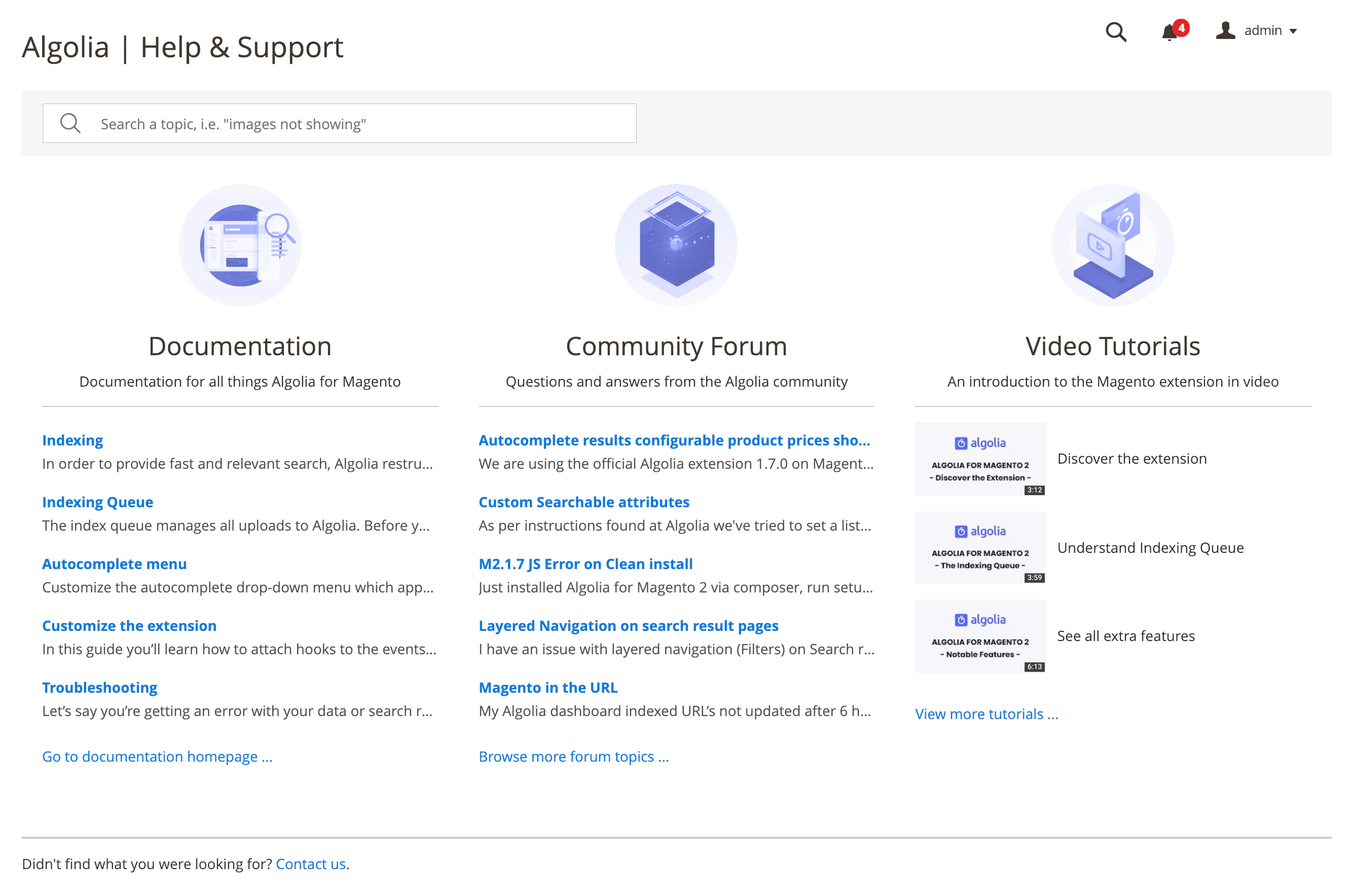 By default, the **Help & Support** page shows the most visited documentation pages and forum topics,
and a list of video tutorials.
The video tutorials can guide new users through the extension and reveal some of the advanced features without having to read through all the documentation.
## Search
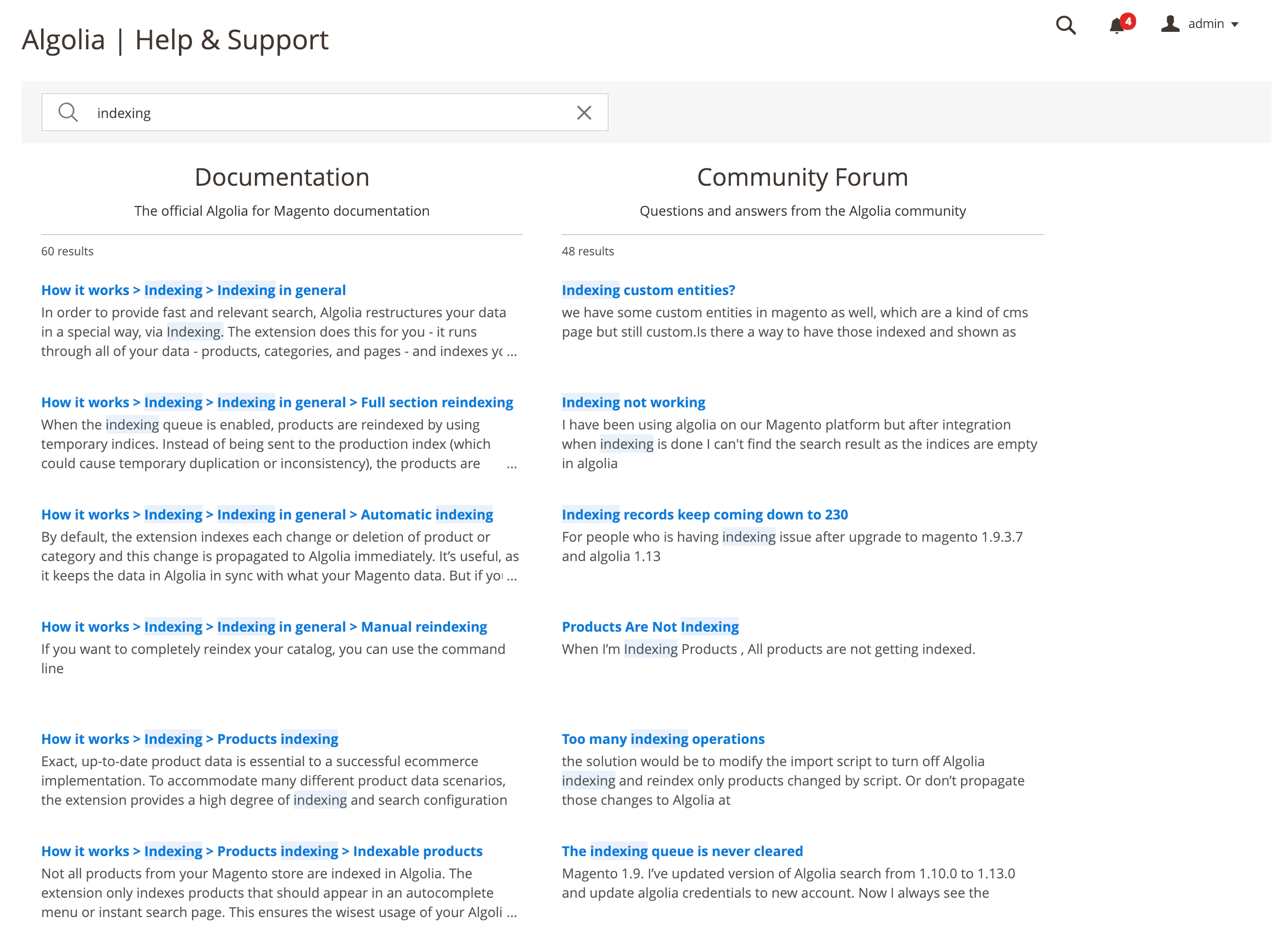
At the top of the page, a search box
lets you search through the official documentation and community forum topics to quickly find a solution to any potential issue.
By default, the **Help & Support** page shows the most visited documentation pages and forum topics,
and a list of video tutorials.
The video tutorials can guide new users through the extension and reveal some of the advanced features without having to read through all the documentation.
## Search
At the top of the page, a search box
lets you search through the official documentation and community forum topics to quickly find a solution to any potential issue.
 ## Contact
If you have a [Grow or Premium pricing plan](https://www.algolia.com/pricing),
you're eligible for direct support and a **Contact us** link is displayed at the bottom of the page.
This link leads to a form which is sent to the [Algolia support](https://support.algolia.com/hc/en-us/requests/new) team.
## Contact
If you have a [Grow or Premium pricing plan](https://www.algolia.com/pricing),
you're eligible for direct support and a **Contact us** link is displayed at the bottom of the page.
This link leads to a form which is sent to the [Algolia support](https://support.algolia.com/hc/en-us/requests/new) team.
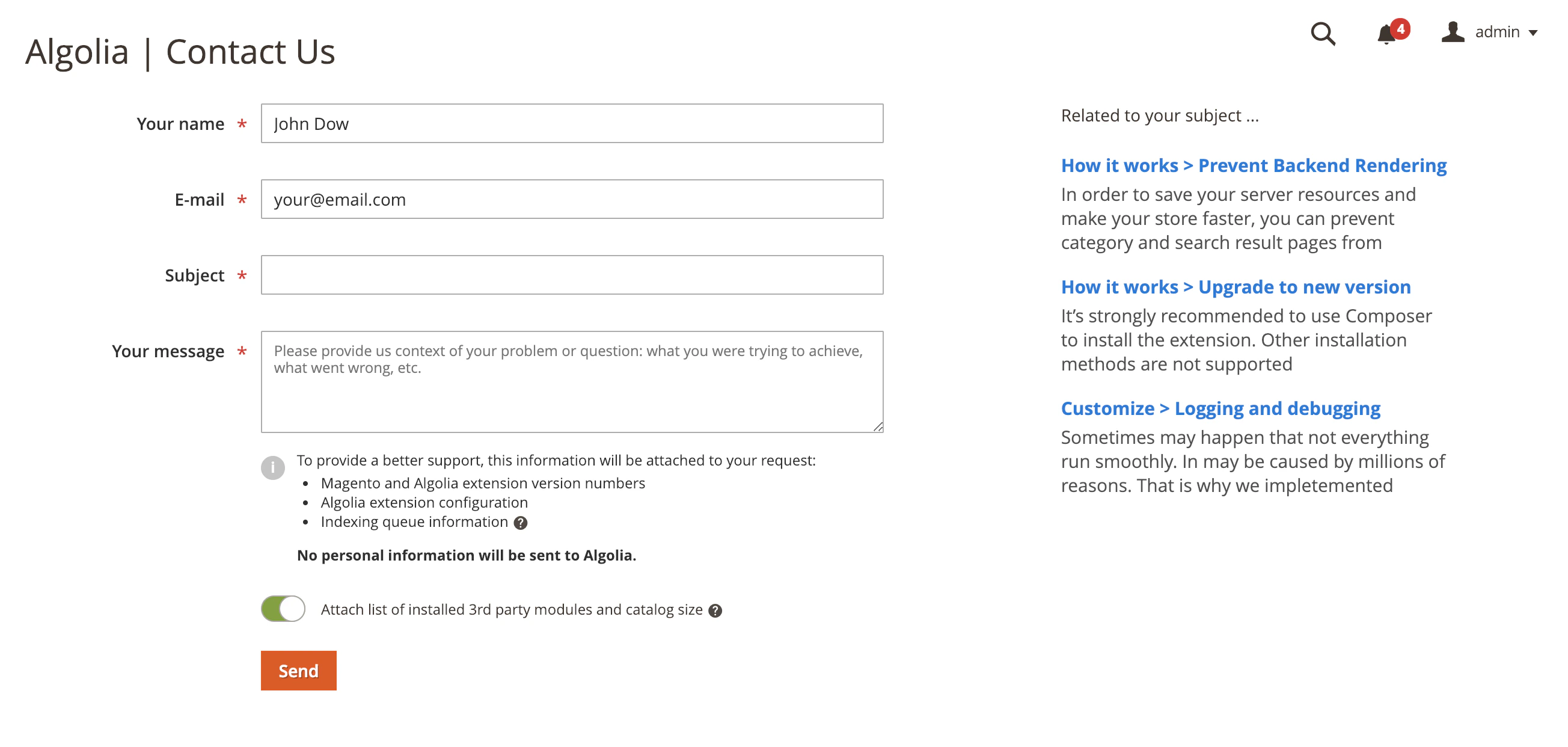 When typing the subject, a list of possible related documentation pages is shown.
Make sure you take a look at these before submitting the support request.
### Additional data
When you submit the form, additional data about your installation is included with your request.
This data is **made anonymous** but helps Algolia's engineers better understand the issue.
This additional data includes:
* Extension version
* Magento version
* Magento edition (1/2)
* Number of jobs in the indexing queue
* Timestamp of creation of the oldest job in the indexing queue
* Last 20 failed jobs from the indexing queue archive table
* Algolia configuration (except Admin API Key)
You can **opt-in** to also including the following data:
* Size of the catalog
* List of installed (third-party) modules/extensions
When typing the subject, a list of possible related documentation pages is shown.
Make sure you take a look at these before submitting the support request.
### Additional data
When you submit the form, additional data about your installation is included with your request.
This data is **made anonymous** but helps Algolia's engineers better understand the issue.
This additional data includes:
* Extension version
* Magento version
* Magento edition (1/2)
* Number of jobs in the indexing queue
* Timestamp of creation of the oldest job in the indexing queue
* Last 20 failed jobs from the indexing queue archive table
* Algolia configuration (except Admin API Key)
You can **opt-in** to also including the following data:
* Size of the catalog
* List of installed (third-party) modules/extensions