> ## Documentation Index
> Fetch the complete documentation index at: https://algolia.com/llms.txt
> Use this file to discover all available pages before exploring further.

# Extract data from non-HTML documents

> Learn how to extract data from document formats such as PDF with your Algolia crawler.

The Crawler can extract data from files like PDF and Word documents.
To do this, it uses [Apache Tika](https://tika.apache.org) to extract a document's content and transform it into a basic HTML file.

## Limitations

Because it's difficult to translate non-HTML documents into HTML, there are limitations:

* PDF documents can break if it's exported with an unknown font.
* The transformed HTML has little semantic value: headings, paragraphs,
  and lists in the original document might not be marked in the HTML.
  This makes good relevancy hard to achieve.
* Document indexing is slower than classic HTML indexing.
* Language detection isn't available.

## Enable document extraction

To enable document extraction, add the [`fileTypesToMatch`](/doc/tools/crawler/apis/configuration/actions#param-file-types-to-match)
parameter to at least one of your crawler's actions.
For a list of supported file types, see [Supported file types](#supported-file-types).

The document's transformed HTML is stored in the [`recordExtractor.$`](/doc/tools/crawler/apis/configuration/actions#param-record-extractor) parameter.
The file type is stored in the [`recordExtractor.fileType`](/doc/tools/crawler/apis/configuration/actions#param-record-extractor) parameter.

```js JavaScript icon=code theme={"system"}
({
  // [...]
  actions: [
    {
      indexName: "crawler-example",
      pathsToMatch: ["https://www.example.com/**"],
      fileTypesToMatch: ["pdf", "doc"],
      recordExtractor: ({ url, $, fileType }) => {
        console.log($.html(), fileType);
      },
    },
  ],
});
```

### Sample crawler configuration

For an example configuration for document extraction,
see [`config.documents.js`](https://github.com/algolia/crawler-configurations-examples/blob/master/config.documents.js) on GitHub.

## Supported file types

<Note>
  The metadata shown in these examples might not be included on every page.
</Note>

### PDF documents

* Associated extension: `.pdf`
* `fileTypesToMatch`: `pdf`

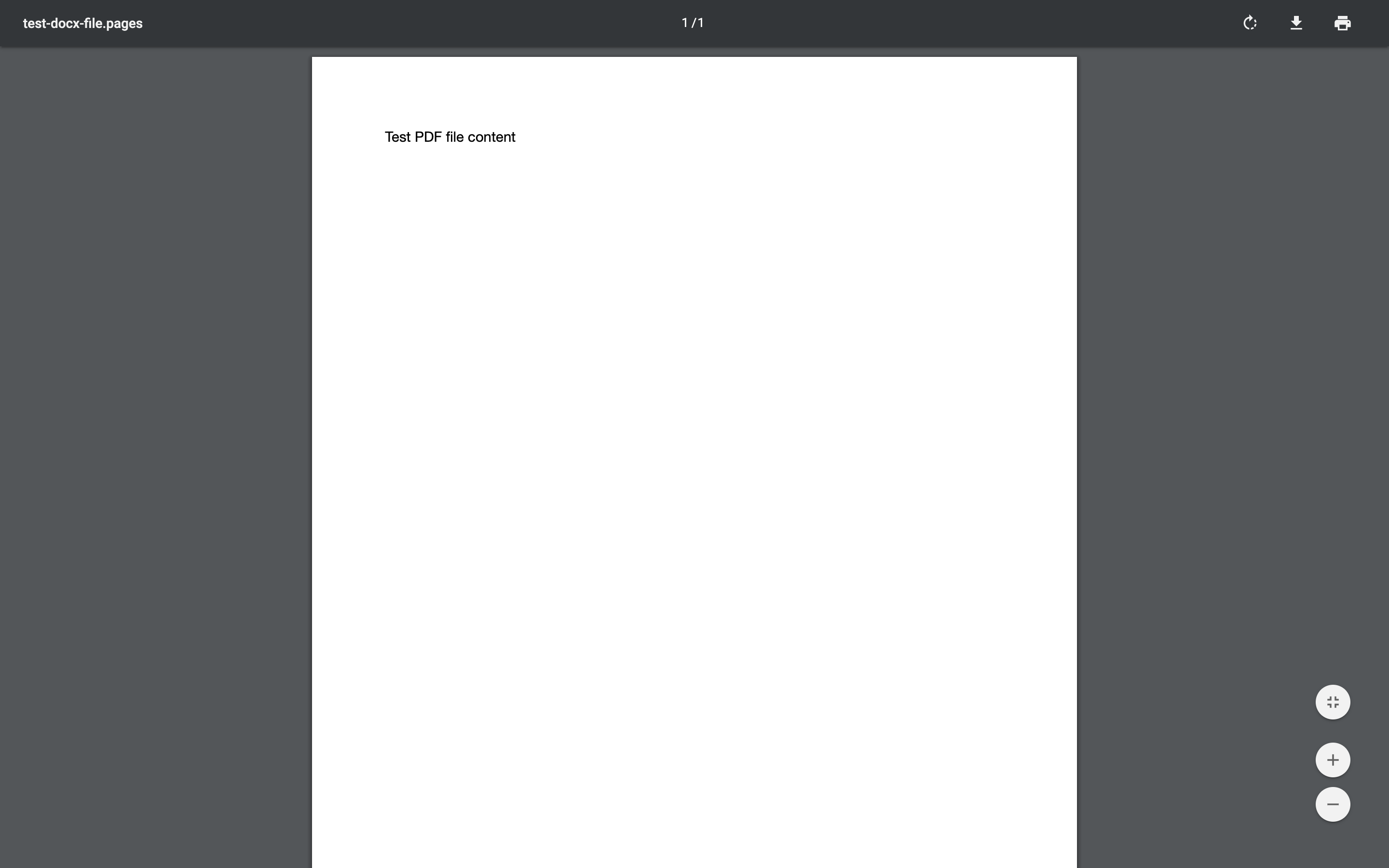
For example, in this `.pdf` file, Tika exposes the following HTML which the crawler then passes to your `recordExtractor`.

<img src="https://mintcdn.com/algolia/KSYHF7soFPXylOAb/doc/tools/crawler/extracting-data/pdf_test.png?fit=max&auto=format&n=KSYHF7soFPXylOAb&q=85&s=c4bf85e74c8a8b326a617e780234235b" alt="A PDF document with the text: Test PDF file content" width="2880" height="1800" data-path="doc/tools/crawler/extracting-data/pdf_test.png" />

```html HTML icon=code-xml expandable theme={"system"}
<html xmlns="http://www.w3.org/1999/xhtml">
<head>
  <meta name="date" content="2018-07-17T13:35:40Z"/>
  <meta name="pdf:PDFVersion" content="1.3"/>
  <meta name="pdf:docinfo:title" content="test-docx-file.pages"/>
  <meta name="xmp:CreatorTool" content="Pages"/>
  <meta name="access_permission:modify_annotations" content="true"/>
  <meta name="access_permission:can_print_degraded" content="true"/>
  <meta name="dcterms:created" content="2018-07-17T13:35:40Z"/>
  <meta name="Last-Modified" content="2018-07-17T13:35:40Z"/>
  <meta name="dcterms:modified" content="2018-07-17T13:35:40Z"/>
  <meta name="dc:format" content="application/pdf; version=1.3"/>
  <meta name="Last-Save-Date" content="2018-07-17T13:35:40Z"/>
  <meta name="pdf:docinfo:creator_tool" content="Pages"/>
  <meta name="access_permission:fill_in_form" content="true"/>
  <meta name="pdf:docinfo:modified" content="2018-07-17T13:35:40Z"/>
  <meta name="meta:save-date" content="2018-07-17T13:35:40Z"/>
  <meta name="pdf:encrypted" content="false"/>
  <meta name="dc:title" content="test-docx-file.pages"/>
  <meta name="modified" content="2018-07-17T13:35:40Z"/>
  <meta name="Content-Type" content="application/pdf"/>
  <meta name="X-Parsed-By" content="org.apache.tika.parser.DefaultParser"/>
  <meta name="X-Parsed-By" content="org.apache.tika.parser.pdf.PDFParser"/>
  <meta name="meta:creation-date" content="2018-07-17T13:35:40Z"/>
  <meta name="created" content="Tue Jul 17 13:35:40 UTC 2018"/>
  <meta name="access_permission:extract_for_accessibility" content="true"/>
  <meta name="access_permission:assemble_document" content="true"/>
  <meta name="xmpTPg:NPages" content="1"/>
  <meta name="Creation-Date" content="2018-07-17T13:35:40Z"/>
  <meta name="access_permission:extract_content" content="true"/>
  <meta name="access_permission:can_print" content="true"/>
  <meta name="producer" content="Mac OS X 10.13.5 Quartz PDFContext"/>
  <meta name="access_permission:can_modify" content="true"/>
  <meta name="pdf:docinfo:producer" content="Mac OS X 10.13.5 Quartz PDFContext"/>
  <meta name="pdf:docinfo:created" content="2018-07-17T13:35:40Z"/>
  <title>test-docx-file.pages</title>
</head>
<body>
  <div class="page">
    <p/>
    <p>Test PDF file content</p>
    <p/>
  </div>
</body>
</html>
```

### Microsoft Word documents

* Associated extensions: `.doc`, `.docx`
* `fileTypesToMatch`: `doc`

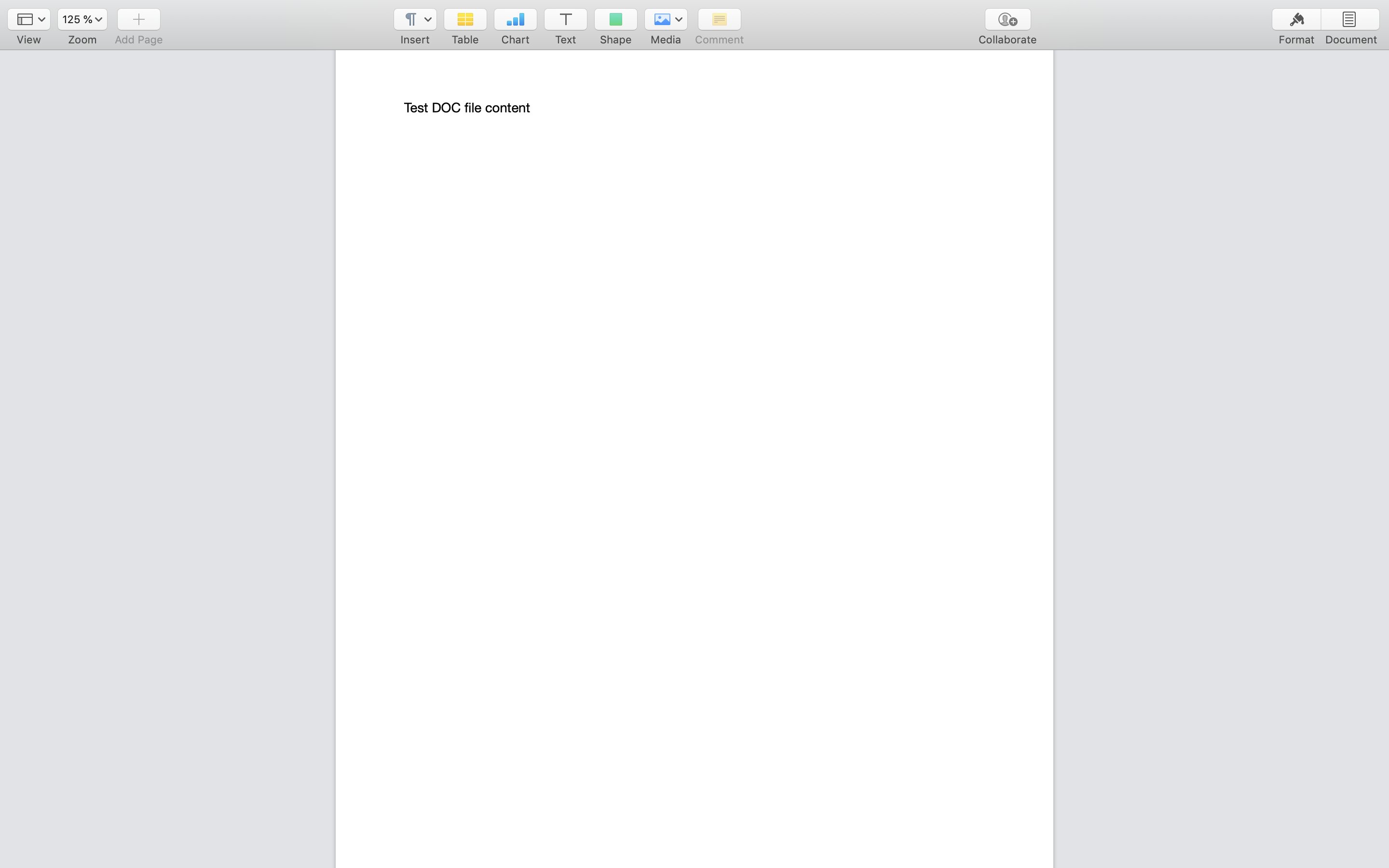
For example, in this `.doc` file, Tika exposes the following HTML, which the crawler then passes to its `recordExtractor`.

<img src="https://mintcdn.com/algolia/KSYHF7soFPXylOAb/doc/tools/crawler/extracting-data/doc_test.png?fit=max&auto=format&n=KSYHF7soFPXylOAb&q=85&s=b9cc53b93fd93997056b19b9d268313b" alt="A Microsoft Word document with the text: Test DOC file content" width="2880" height="1800" data-path="doc/tools/crawler/extracting-data/doc_test.png" />

```html HTML icon=code-xml theme={"system"}
<html xmlns="http://www.w3.org/1999/xhtml">
<head>
  <meta name="X-Parsed-By" content="org.apache.tika.parser.DefaultParser"/>
  <meta name="X-Parsed-By" content="org.apache.tika.parser.microsoft.OfficeParser"/>
  <meta name="Content-Type" content="application/msword"/>
  <title>
  </title>
</head>
<body>
  <div class="header"/>
    <p class="body">Test DOC file content</p>
  <div class="footer"/>
</body>
</html>
```

### OpenDocument text documents

* Associated extension: `.odt`
* `fileTypesToMatch`: `odt`

### Microsoft Excel spreadsheets

* Associated extensions: `.xls`, `.xlsx`
* `fileTypesToMatch`: `xls`

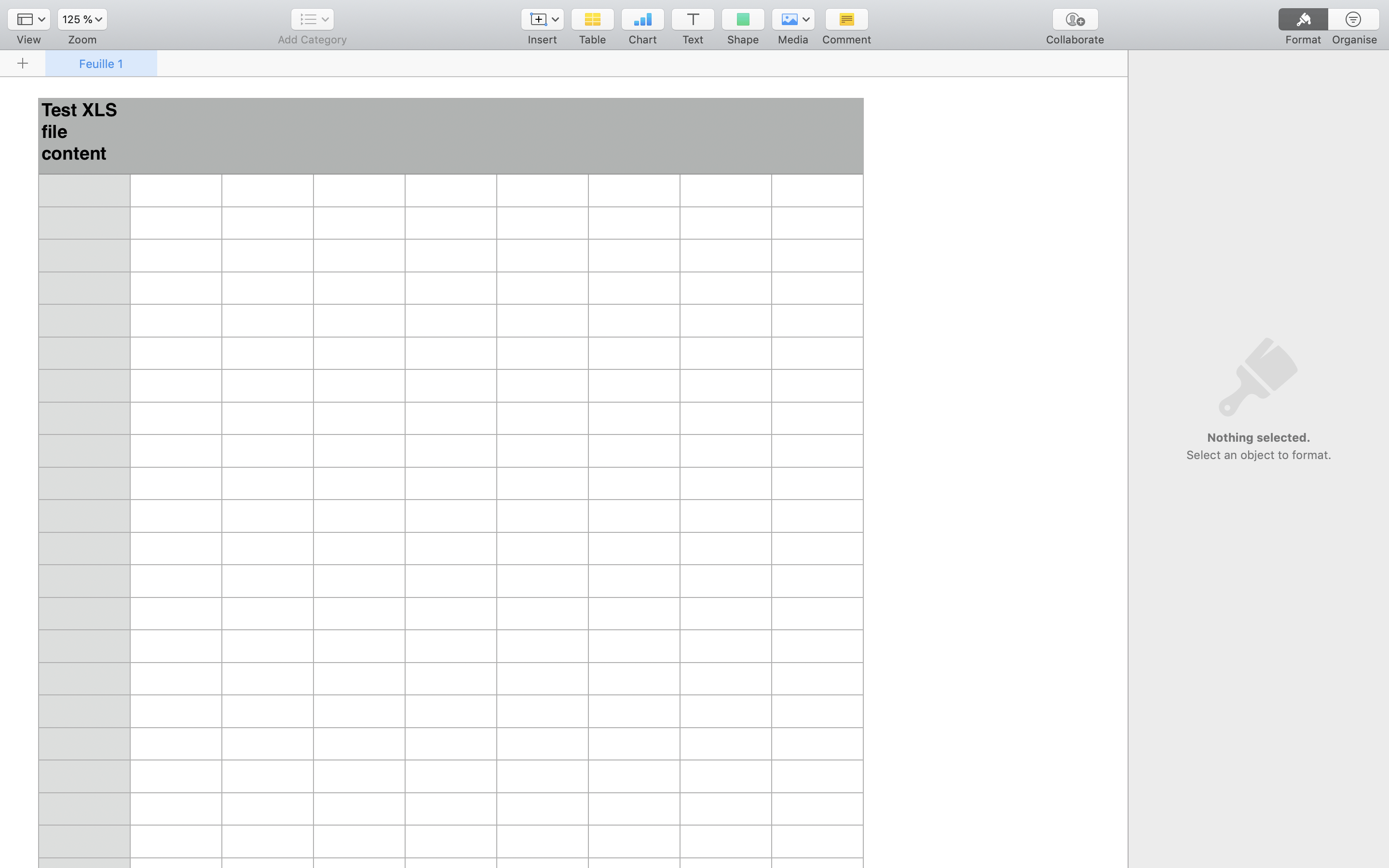
For example, in this `.xls` file, Tika exposes the following HTML, which the crawler then passes to its `recordExtractor`.
<img src="https://mintcdn.com/algolia/KSYHF7soFPXylOAb/doc/tools/crawler/extracting-data/xls_test.png?fit=max&auto=format&n=KSYHF7soFPXylOAb&q=85&s=fe69396b1b381e863d9b221fb3ccc913" alt="A Microsoft Excel spreadsheet with the text: Test XML file content" width="2880" height="1800" data-path="doc/tools/crawler/extracting-data/xls_test.png" />

```html HTML icon=code-xml theme={"system"}
<html xmlns="http://www.w3.org/1999/xhtml">
  <head>
    <meta name="X-Parsed-By" content="org.apache.tika.parser.DefaultParser"/>
    <meta name="X-Parsed-By" content="org.apache.tika.parser.microsoft.OfficeParser"/>
    <meta name="Content-Type" content="application/vnd.ms-excel"/>
    <title>
    </title>
  </head>
  <body>
    <div class="page">
      <h1>Feuille 1</h1>
      <table>
        <tbody>
          <tr>
            <td>Test XLS file content</td>
          </tr>
        </tbody>
      </table>
      <div class="outside">&amp;C&amp;"Helvetica,Regular"&amp;12&amp;K000000&amp;P</div>
    </div>
  </body>
</html>
```

### OpenDocument spreadsheets

* Associated extension: `.ods`
* `fileTypesToMatch`: `ods`

### Microsoft PowerPoint documents

* Associated extensions: `.ppt`, `.pptx`
* `fileTypesToMatch`: `ppt`

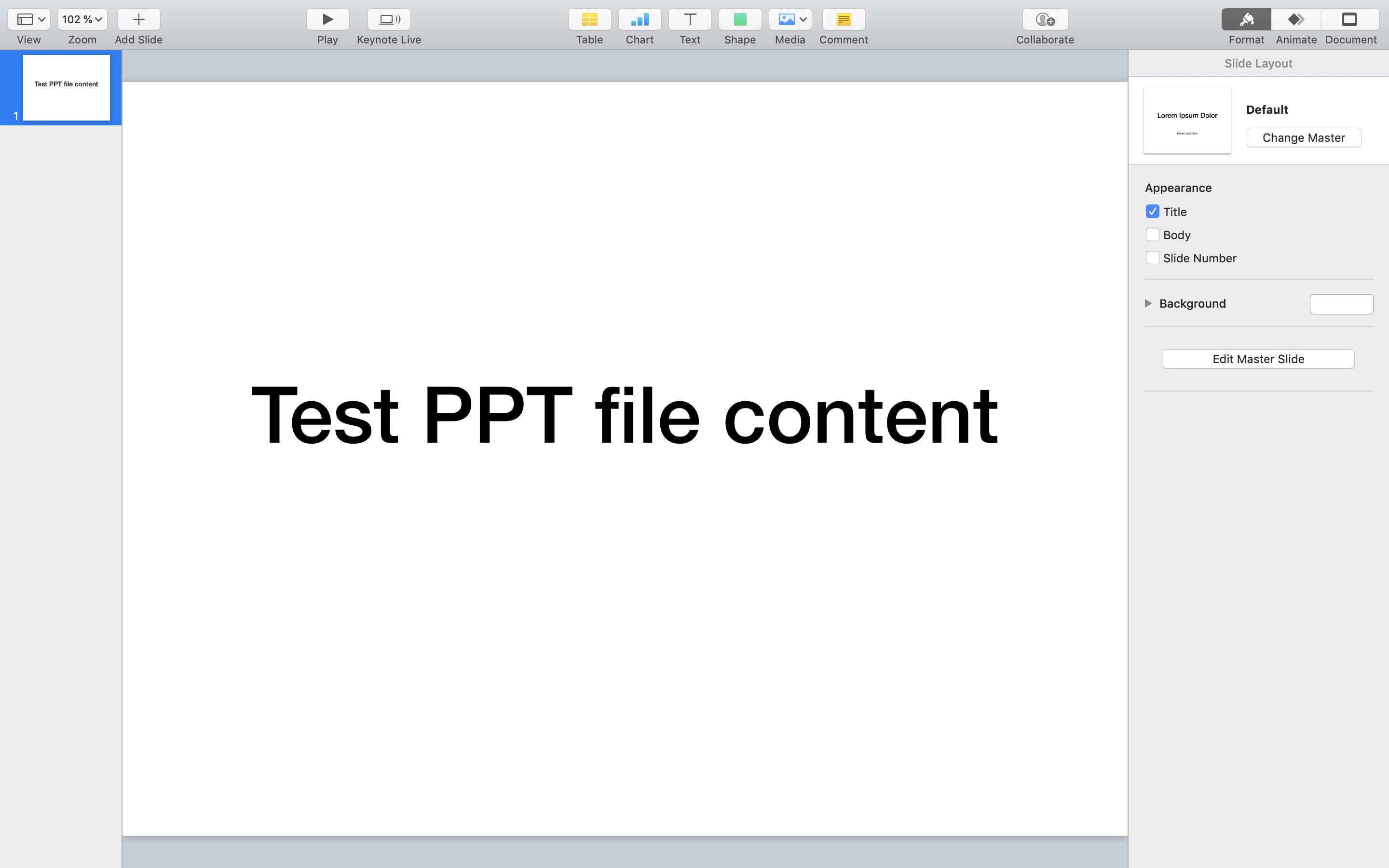
For example, in this `.ppt` file, Tika exposes the following HTML, which the crawler then passes to its `recordExtractor`.

<img src="https://mintcdn.com/algolia/KSYHF7soFPXylOAb/doc/tools/crawler/extracting-data/ppt_test.png?fit=max&auto=format&n=KSYHF7soFPXylOAb&q=85&s=c9febd64a1c8691614b6e6fc64f45b6b" alt="A Microsoft PowerPoint slide with the text: Test PPT file content" width="2880" height="1800" data-path="doc/tools/crawler/extracting-data/ppt_test.png" />

```html HTML icon=code-xml theme={"system"}
<html xmlns="http://www.w3.org/1999/xhtml">
  <head>
    <meta name="X-Parsed-By" content="org.apache.tika.parser.DefaultParser"/>
    <meta name="X-Parsed-By" content="org.apache.tika.parser.microsoft.OfficeParser"/>
    <meta name="Content-Type" content="application/vnd.ms-powerpoint"/>
    <title>
    </title>
  </head>
  <body>
    <div class="slideShow">
      <div class="slide">
        <div class="slide-master-content"/>
        <div class="slide-content">
          <p>Test PPT file content</p>
          <p/>
        </div>
      </div>
      <div class="ocr"/>
    </div>
  </body>
</html>
```

### OpenDocument presentations

* Associated extension: `.odp`
* `fileTypesToMatch`: `odp`

### Emails

* Associated extension: `.msg`
* `fileTypesToMatch`: `email`

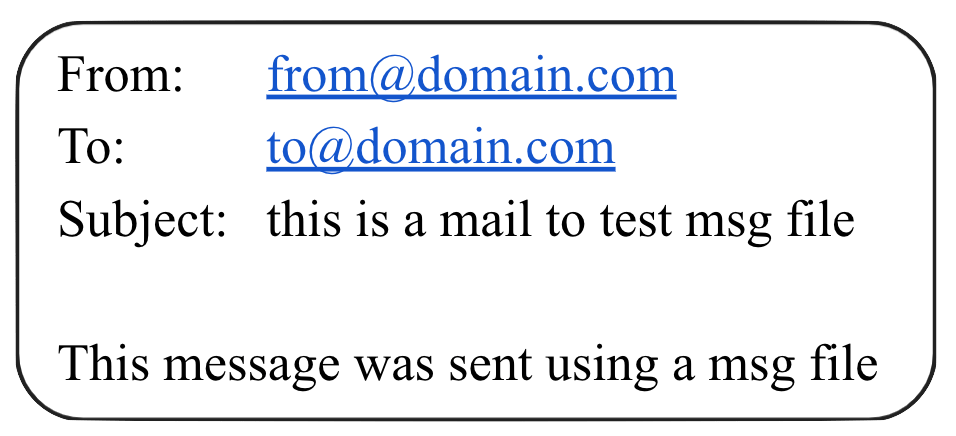
The file type `email` includes all documents related to email.
The Crawler supports the Outlook Mail Message (`.msg`) format.

For example, Tika converts this email into the following HTML:

<img src="https://mintcdn.com/algolia/KSYHF7soFPXylOAb/doc/tools/crawler/extracting-data/msg_test.png?fit=max&auto=format&n=KSYHF7soFPXylOAb&q=85&s=f5f997618833f59d76d34f4b0f23fb1e" alt="Screenshot of an email with 'From: from@domain.com', 'To: to@domain.com', 'Subject: this is a mail to test message file', and message text." width="956" height="436" data-path="doc/tools/crawler/extracting-data/msg_test.png" />

```html HTML icon=code-xml expandable theme={"system"}
<html xmlns="http://www.w3.org/1999/xhtml">
<head>
  <meta name="date" content="2017-06-01T15:24:31Z" />
  <meta name="Message:To-Email" content="to@domain.com" />
  <meta name="dc:description" content="this is a mail to test msg file" />
  <meta name="subject" content="this is a mail to test msg file" />
  <meta name="dc:creator" content="from@domain.com" />
  <meta name="Message:From-Email" content="from@domain.com" />
  <meta name="dcterms:created" content="2017-06-01T15:24:31Z" />
  <meta name="Message-To" content="to@domain.com" />
  <meta name="dcterms:modified" content="2017-06-01T15:24:31Z" />
  <meta name="Last-Modified" content="2017-06-01T15:24:31Z" />
  <meta name="Message-Recipient-Address" content="to@domain.com" />
  <meta name="Message:Raw-Header:X-Unsent" content="1" />
  <meta name="Message:Raw-Header:Subject" content="this is a mail to test msg file" />
  <meta name="meta:mapi-message-class" content="NOTE" />
  <meta name="Message:To-Display-Name" content="to@domain.com" />
  <meta name="Last-Save-Date" content="2017-06-01T15:24:31Z" />
  <meta name="Message:Raw-Header:MIME-Version" content="1.0" />
  <meta name="meta:save-date" content="2017-06-01T15:24:31Z" />
  <meta name="dc:title" content="this is a mail to test msg file" />
  <meta name="Message:Raw-Header:Message-ID" content="<c58b1b52f61f4789ba40339c6e993440>" />
  <meta name="modified" content="2017-06-01T15:24:31Z" />
  <meta name="Content-Type" content="application/vnd.ms-outlook" />
  <meta name="X-Parsed-By" content="org.apache.tika.parser.DefaultParser" />
  <meta name="X-Parsed-By" content="org.apache.tika.parser.microsoft.OfficeParser" />
  <meta name="creator" content="from@domain.com" />
  <meta name="Message:Raw-Header:From" content="from@domain.com" />
  <meta name="meta:author" content="from@domain.com" />
  <meta name="meta:creation-date" content="2017-06-01T15:24:31Z" />
  <meta name="meta:mapi-from-representing-email" content="from@domain.com" />
  <meta name="Creation-Date" content="2017-06-01T15:24:31Z" />
  <meta name="Message-Cc" content="" />
  <meta name="Message-Bcc" content="" />
  <meta name="meta:mapi-from-representing-name" content="from@domain.com" />
  <meta name="Message:Raw-Header:To" content="to@domain.com" />
  <meta name="Message:From-Name" content="from@domain.com" />
  <meta name="Author" content="from@domain.com" />
  <meta name="Message-From" content="from@domain.com" />
  <meta name="Message:To-Name" content="" />
  <title>this is a mail to test msg file</title>
</head>
<body>
  <h1>this is a mail to test msg file</h1>
  <dl>
    <dt>From</dt>
    <dd>from@domain.com</dd>
    <dt>To</dt>
    <dd>to@domain.com</dd>
    <dt>Recipients</dt>
    <dd>to@domain.com</dd>
  </dl>
  <div class="message-body">
    <p>This message was sent using a msg file </p>
  </div>
</body>
</html>
```