Uninstall the Algolia for BigCommerce integration.
If InstantSearch Categories is turned on for a channel,
turn it off under Search experience in the Algolia for BigCommerce app.
If you uninstall the application without turning off InstantSearch Categories,
you might leave behind unused metafields.
If Recommendations is turned on for a channel,
turn it off under Search experience.
If you omit this step, the widget template might be left on your store.
In the app, go to Settings and select Disconnect, then confirm.
This removes all indexes and stops search on your storefront.
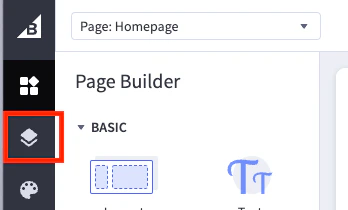
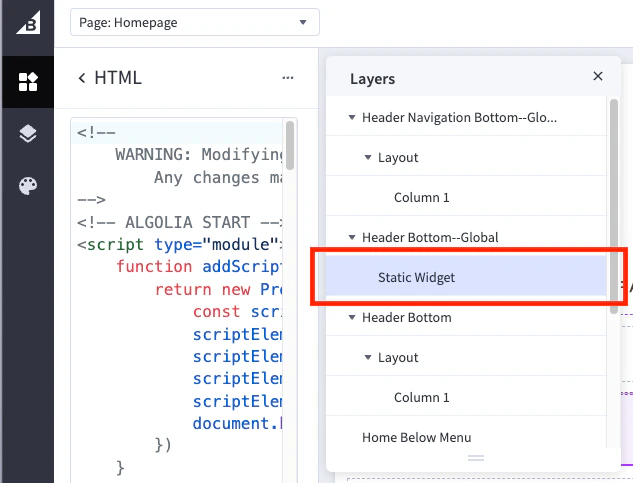
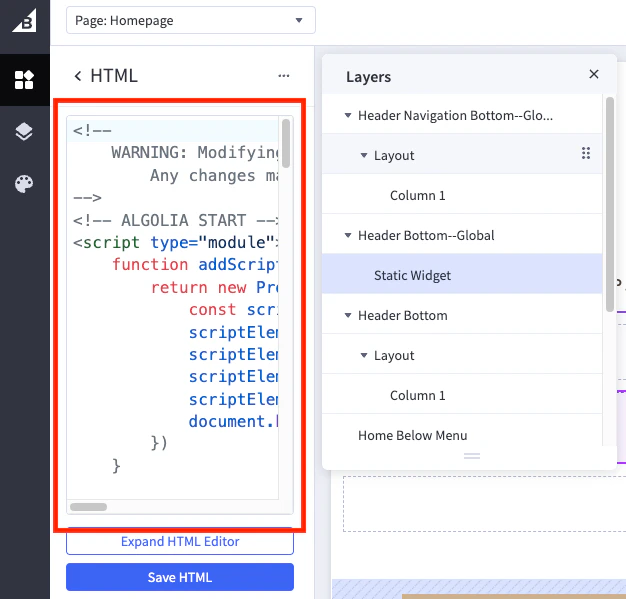
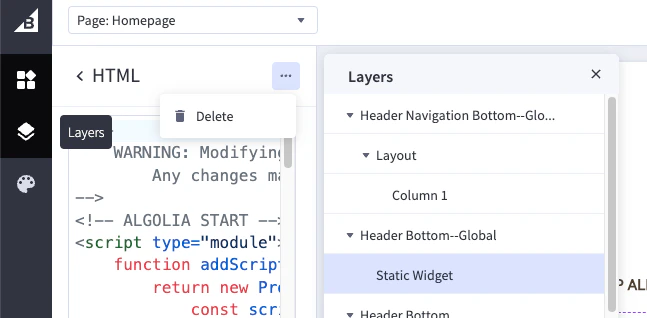
Optional: to confirm deletion of pages, scripts, and widgets, see Manual removal.
Uninstalling removes the integration’s ingestion tasks and storefront artifacts,
but keeps your Algolia indices and the API keys the integration created in your Algolia application.
If you no longer need them,
delete the indices and API keys in the Algolia dashboard.