

Prefer using the Autocomplete widget from InstantSearch instead of the standalone Autocomplete library.
It integrates more closely with your search experience.
For more information,
see the API reference for InstantSearch.js or
React InstantSearch.
Query Suggestions
These examples use theautocomplete-plugin-query-suggestions plugin.
It shows suggested search queries in your autocomplete menu.
For more information, see Build a Query Suggestions UI with Autocomplete.
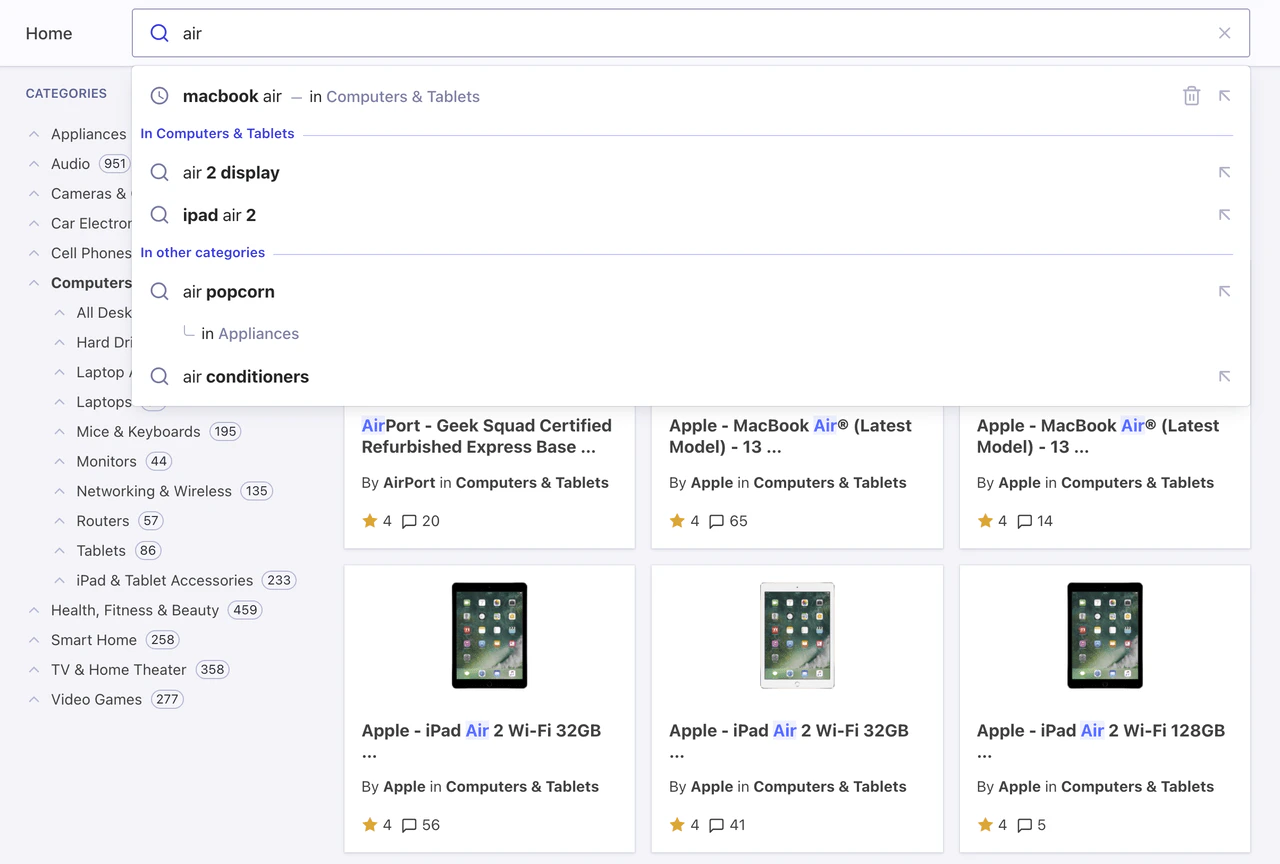
Search suggestions
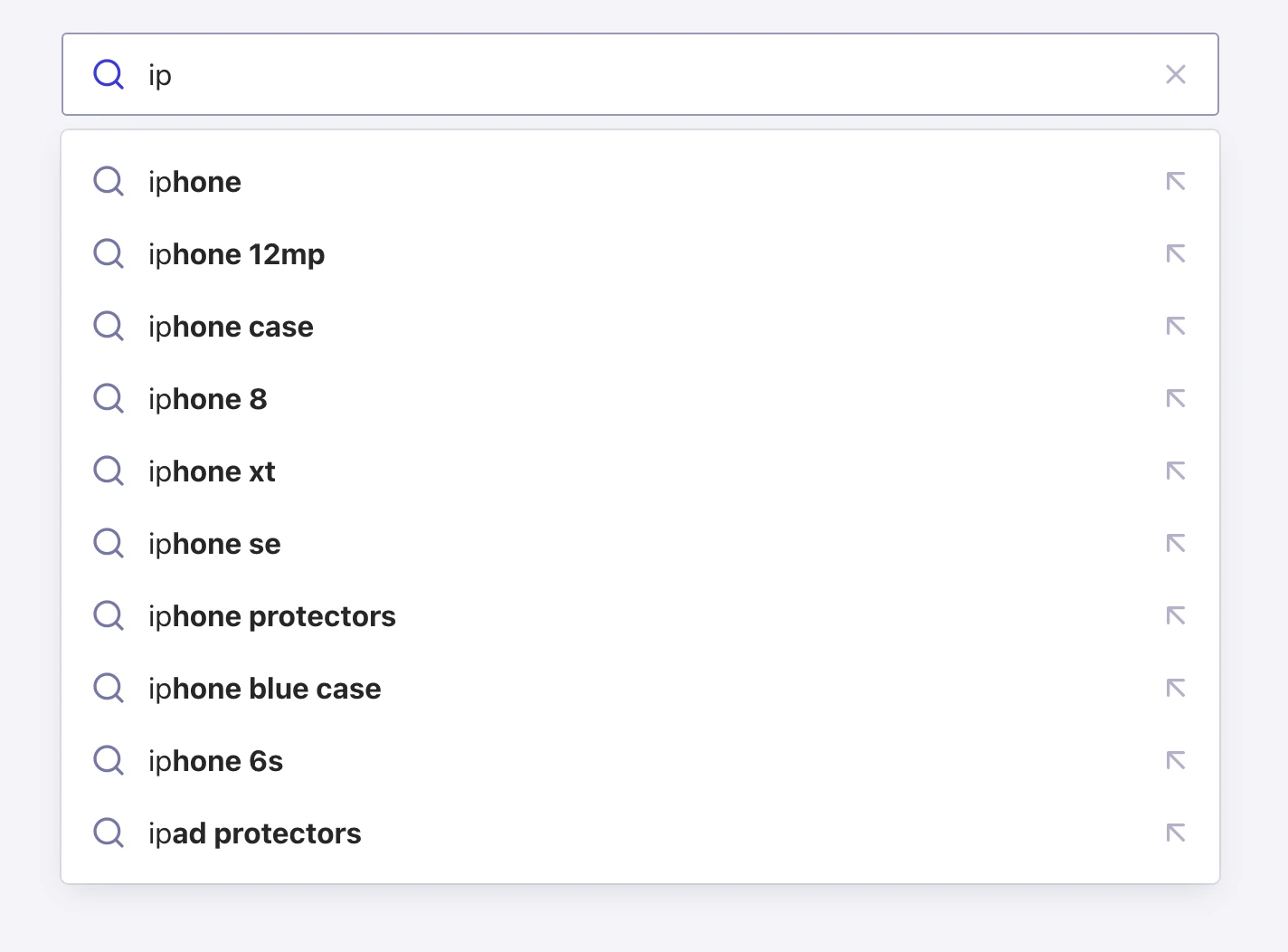
As users start typing, the autocomplete menu shows suggested search queries.
Search suggestions with categories
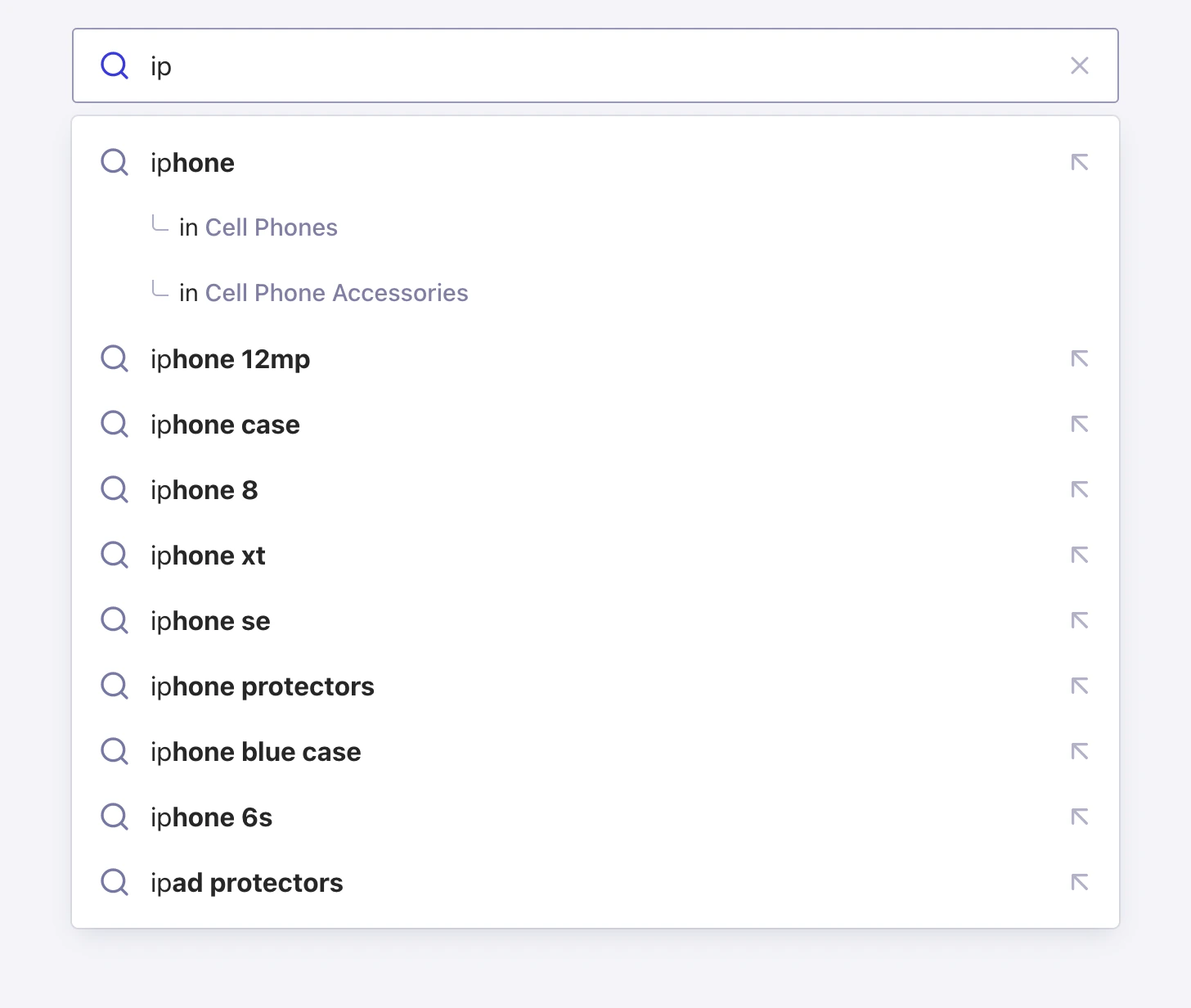
The top suggestions are shown with categories to help users search more precisely.
Search suggestions with inline categories
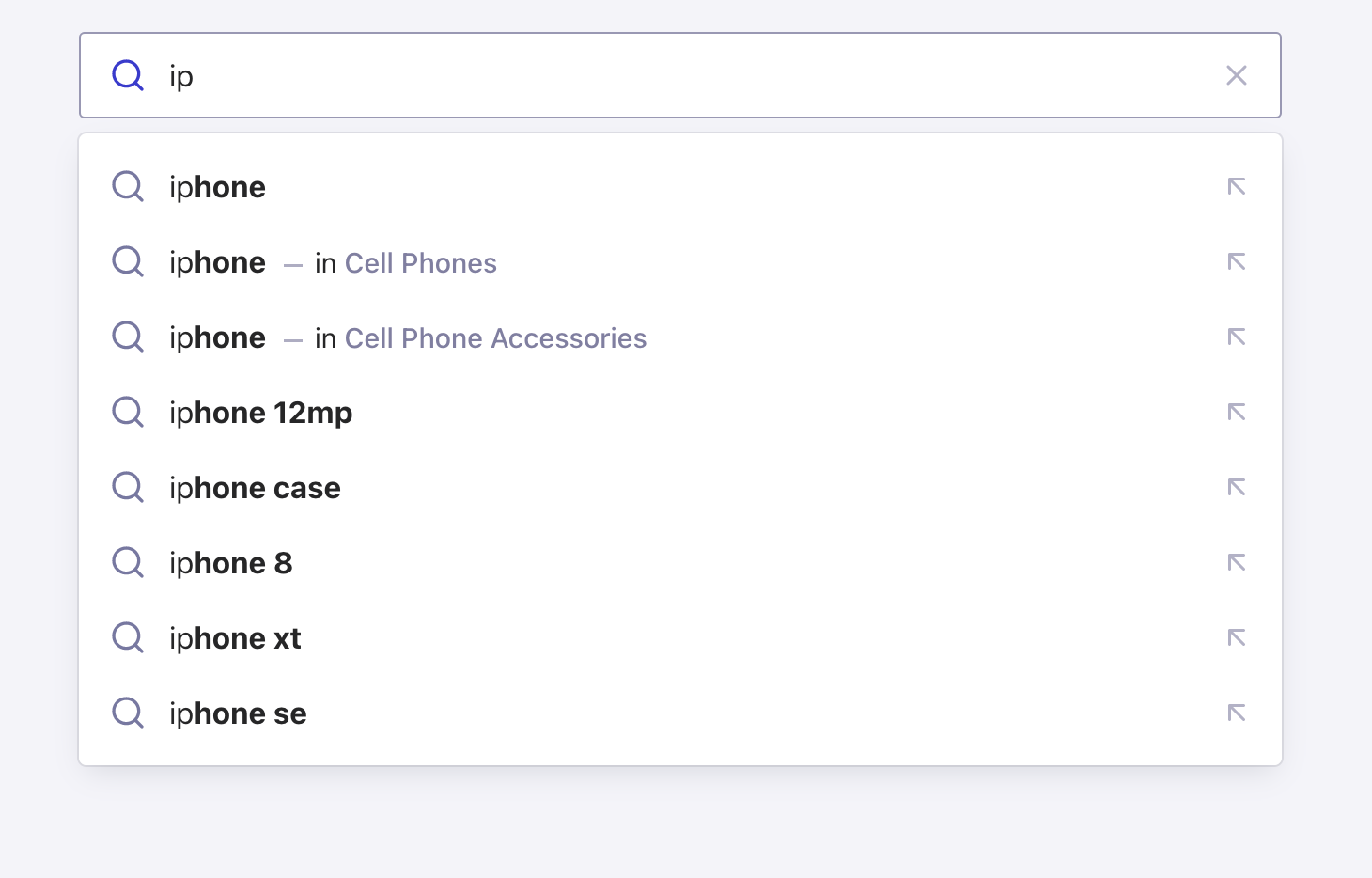
Categories are shown on the same line as the suggestion for a more compact experience.
Multiple sources
These examples use multiple data sources for the autocomplete items. They use several plugins, such asautocomplete-plugin-query-suggestions and
autocomplete-plugin-recent-searches.
They also use the getAlgoliaResults function to retrieve search results.
For more information, see Sources.
Search suggestions and results
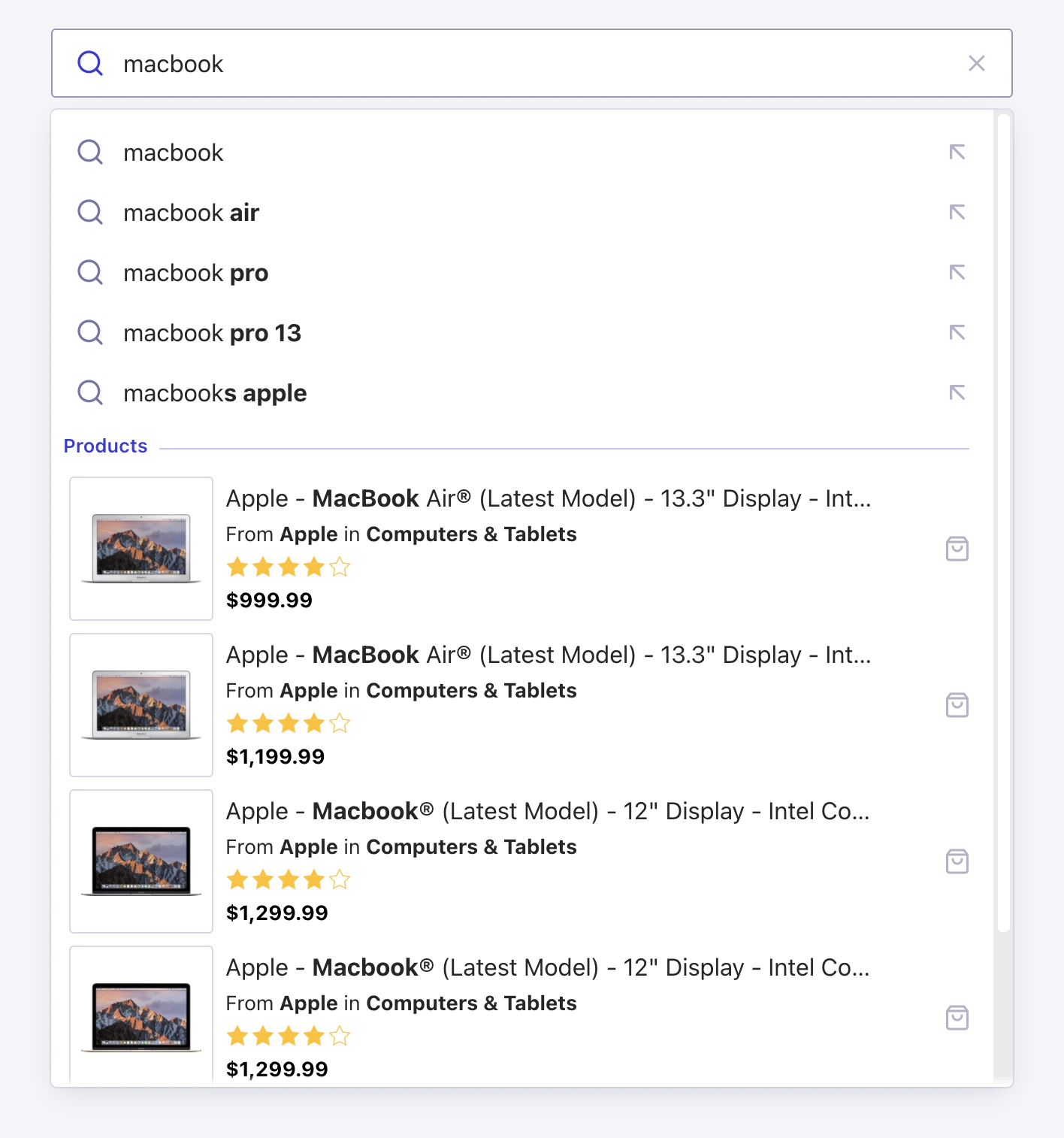
As users start typing, the autocomplete menu shows suggested searches and matching search results.
Search suggestions and recent searches
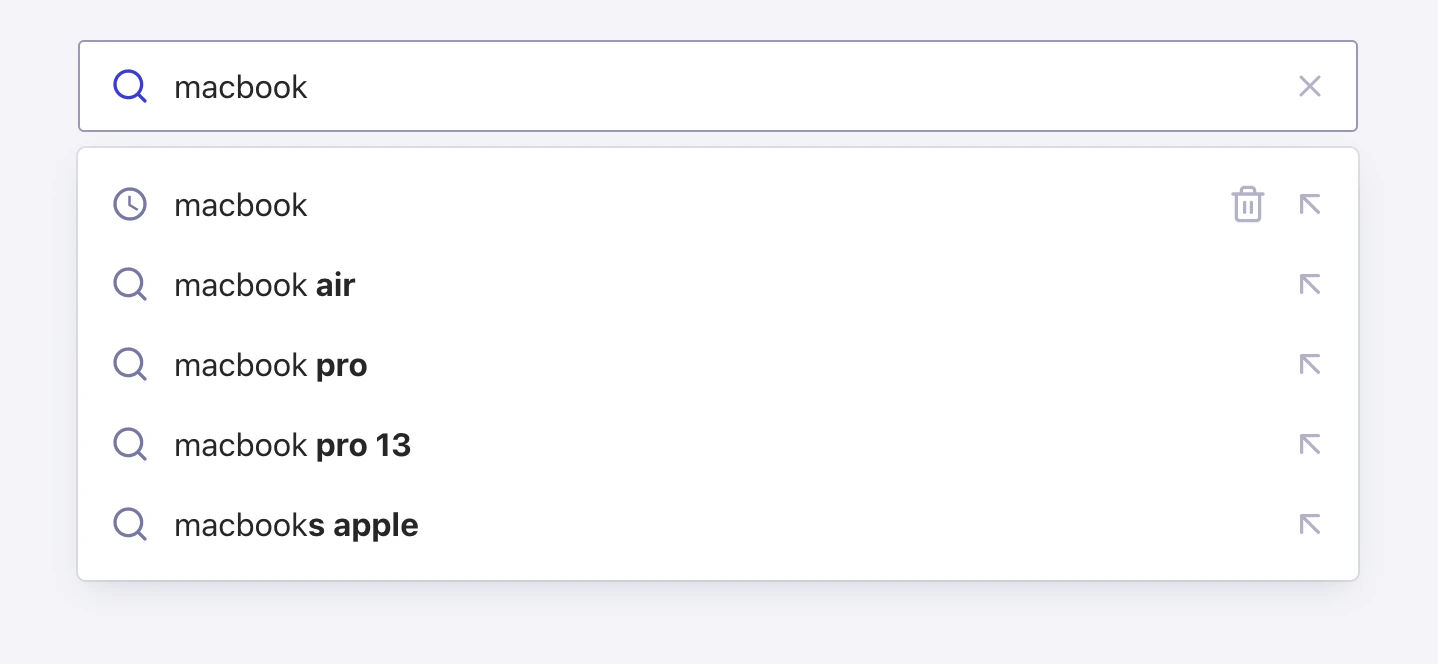
This autocomplete menu remembers previous searches and shows them on top of the suggested searches.
Search suggestions with categories and recent searches
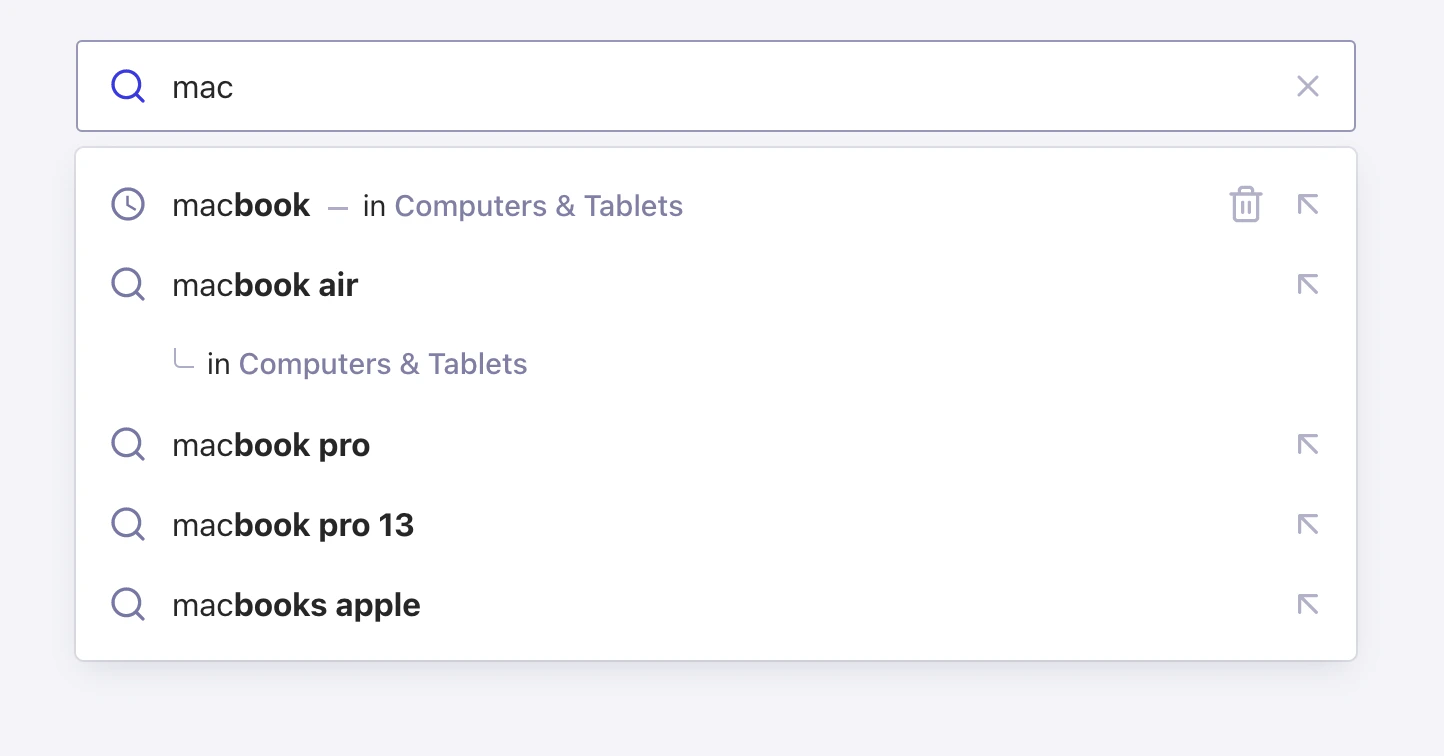
This autocomplete menu shows the top search suggestions with their categories, plus recent searches.
Search suggestions with recent searches and search results
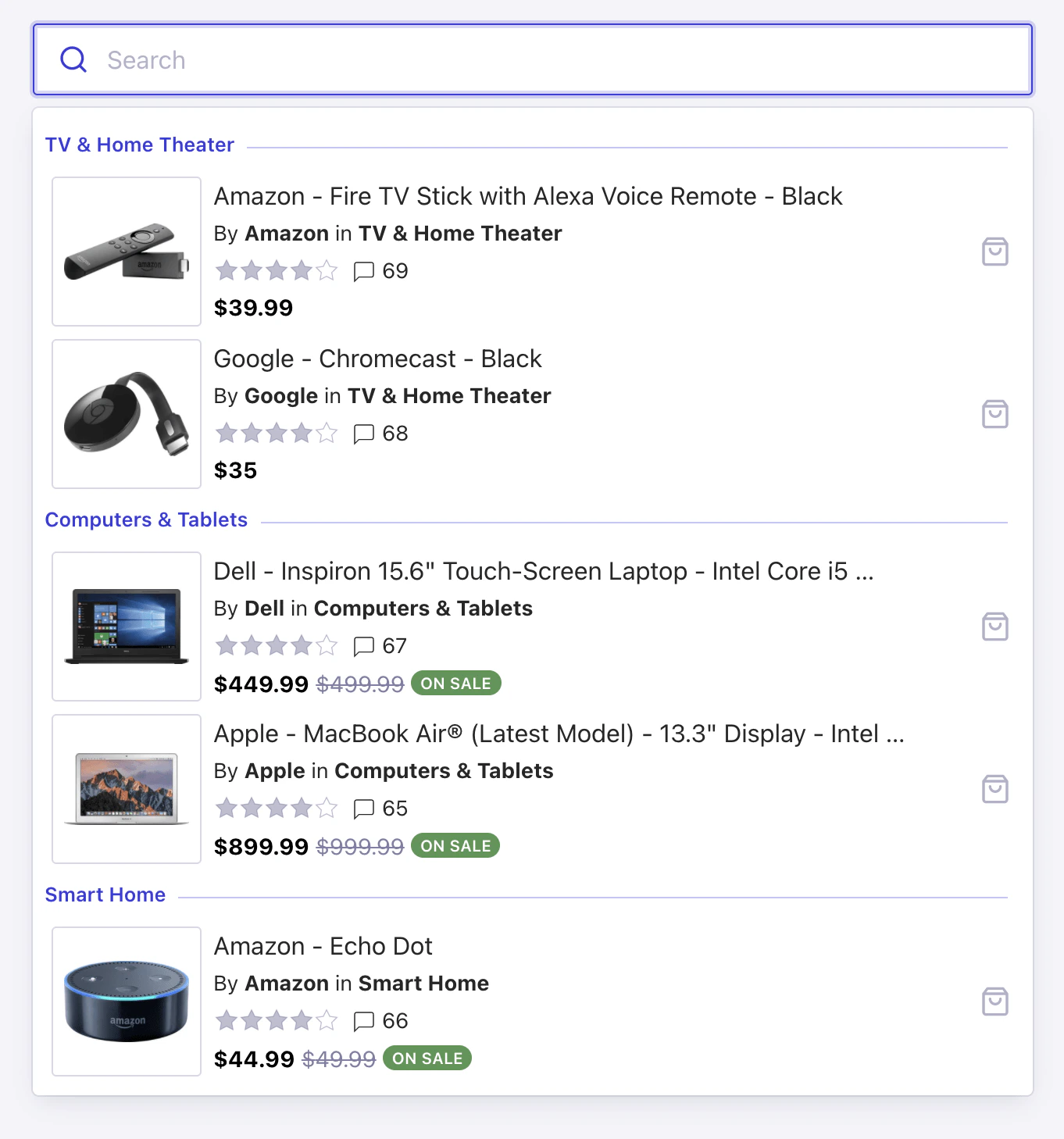
This autocomplete shows recent searches and search suggestions.
It also shows matching search results grouped by category.
Federated ecommerce search experience
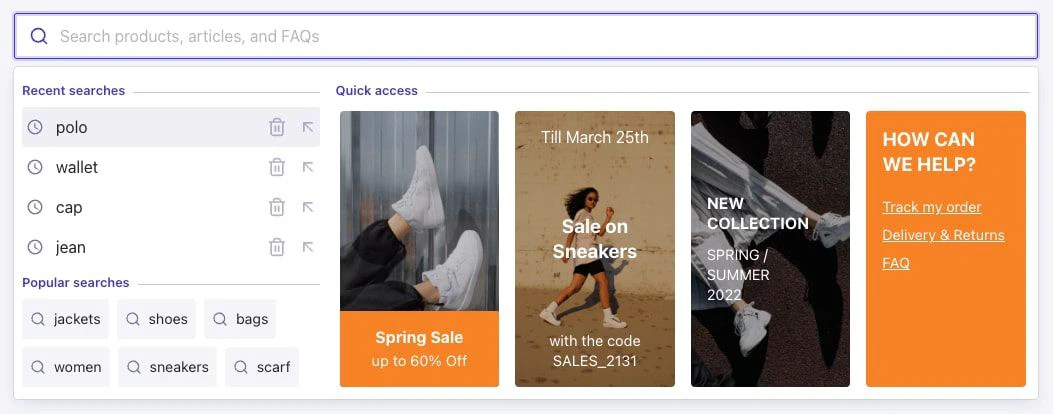
This autocomplete menu uses a two-column layout.
The left column shows recent searches and suggestions, and the right column shows matching products in a grid.
Integrate Autocomplete
These examples show how to integrate Autocomplete with InstantSearch or popular frontend frameworks.Autocomplete and React InstantSearch
Autocomplete + React InstantSearch
Autocomplete and InstantSearch.js
Autocomplete + InstantSearch.js
Autocomplete and Vue InstantSearch
Autocomplete + Vue InstantSearch
Autocomplete and React
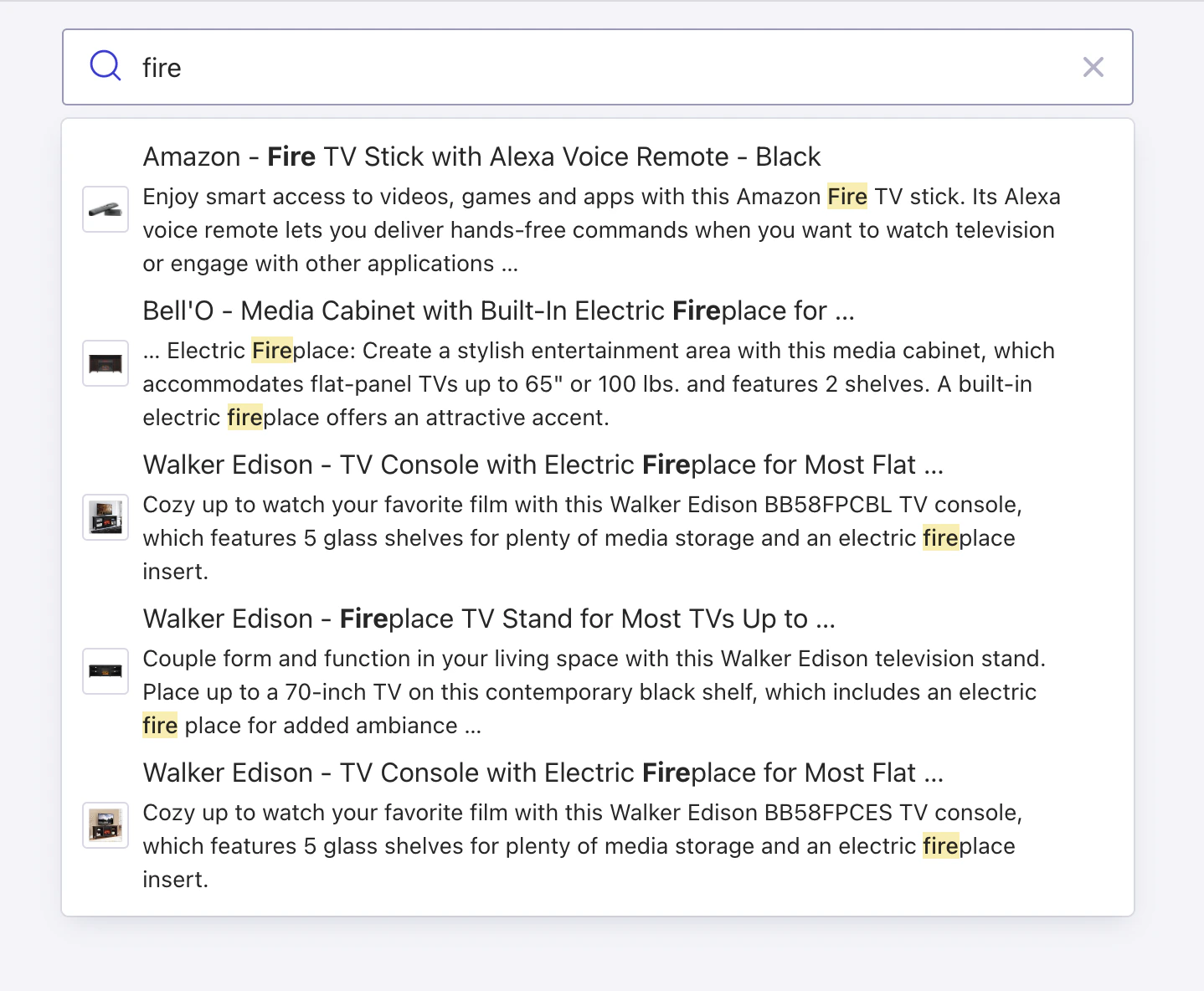
Custom React renderer
Other
These examples highlight other autocomplete features and plugins.Static sources
As users start typing, this autocomplete menu shows matching predefined links to GitHub repositories.
Recently-viewed items
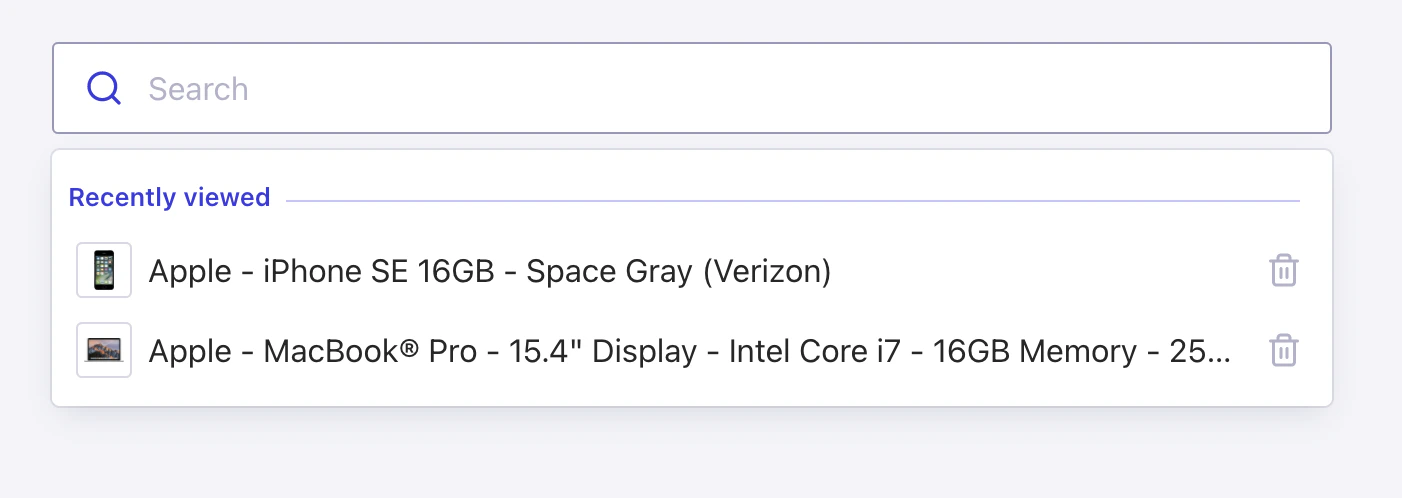
This autocomplete menu remembers items that users have previously viewed and shows them before the user starts typing (empty query).
Redirect searches
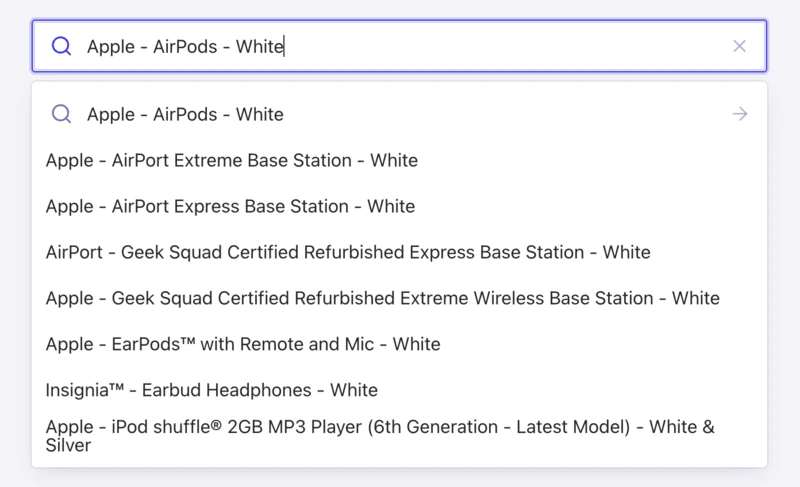
This autocomplete menu redirects users to other pages if the query matches predefined criteria.