Ask AI is part of Agent Studio
and isn’t available as a standalone feature for new applications.
Use these docs for existing Ask AI implementations.
To move an existing assistant, see
Migrate Ask AI to Agent Studio.
Getting started
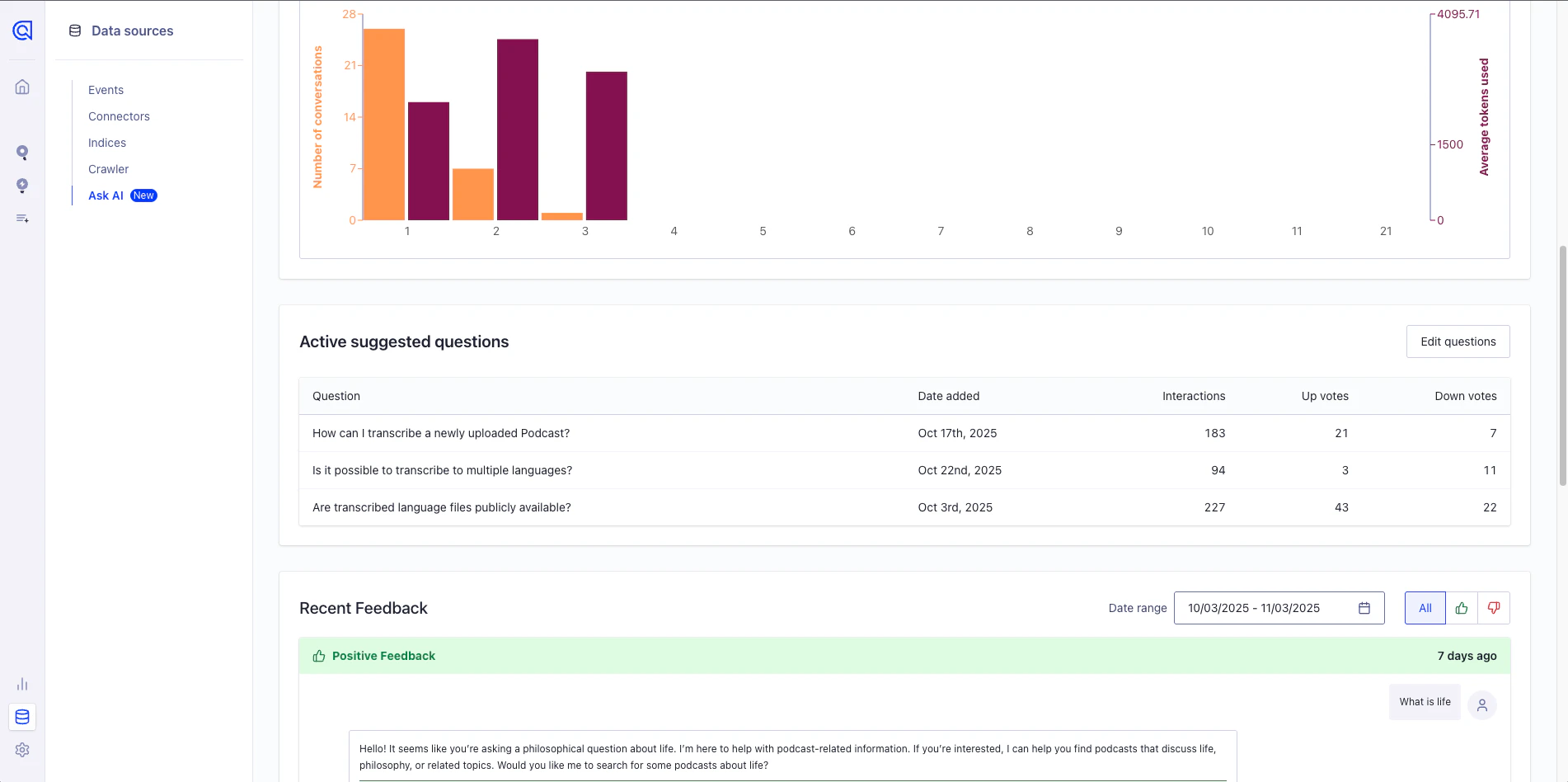
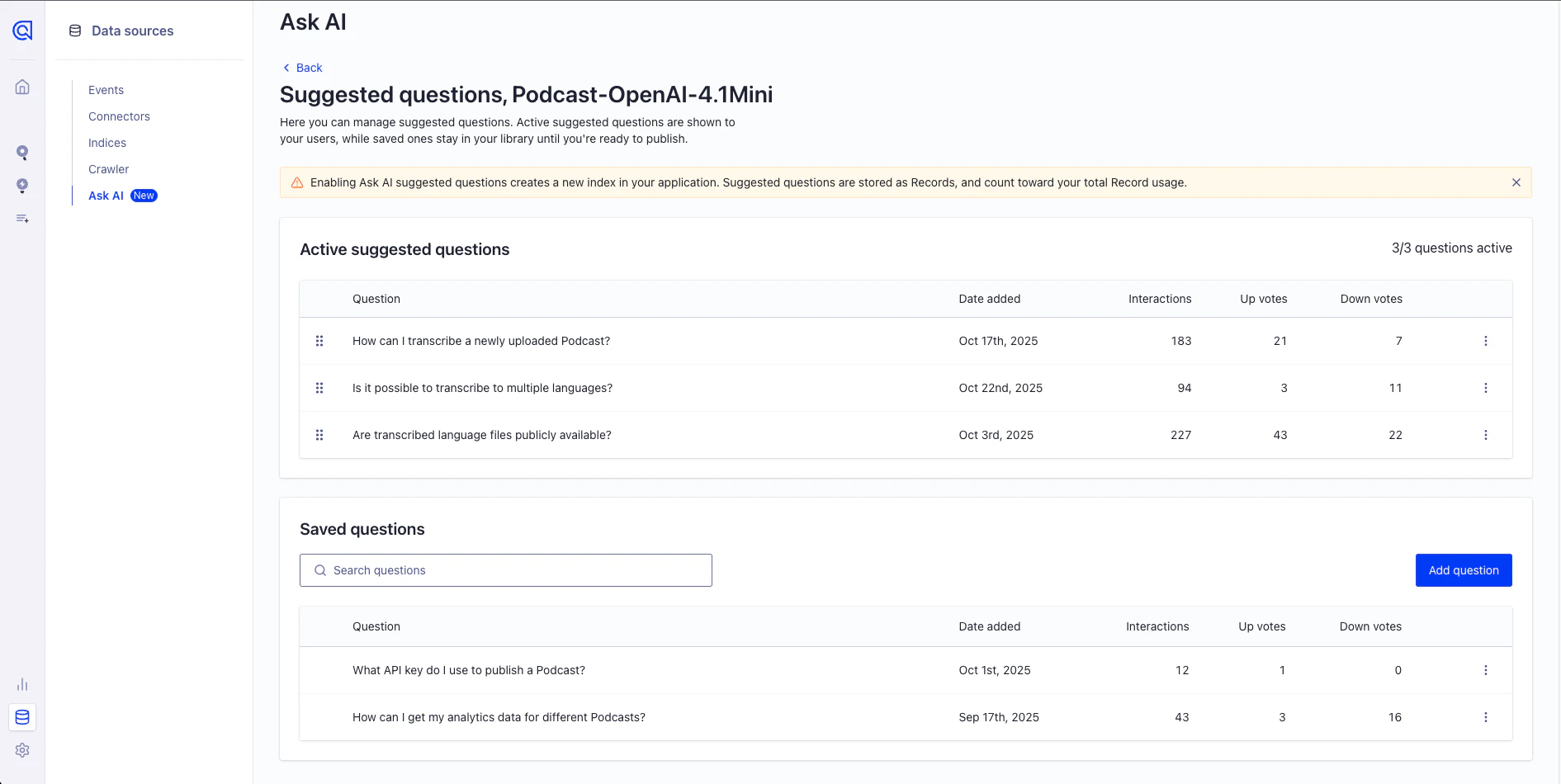
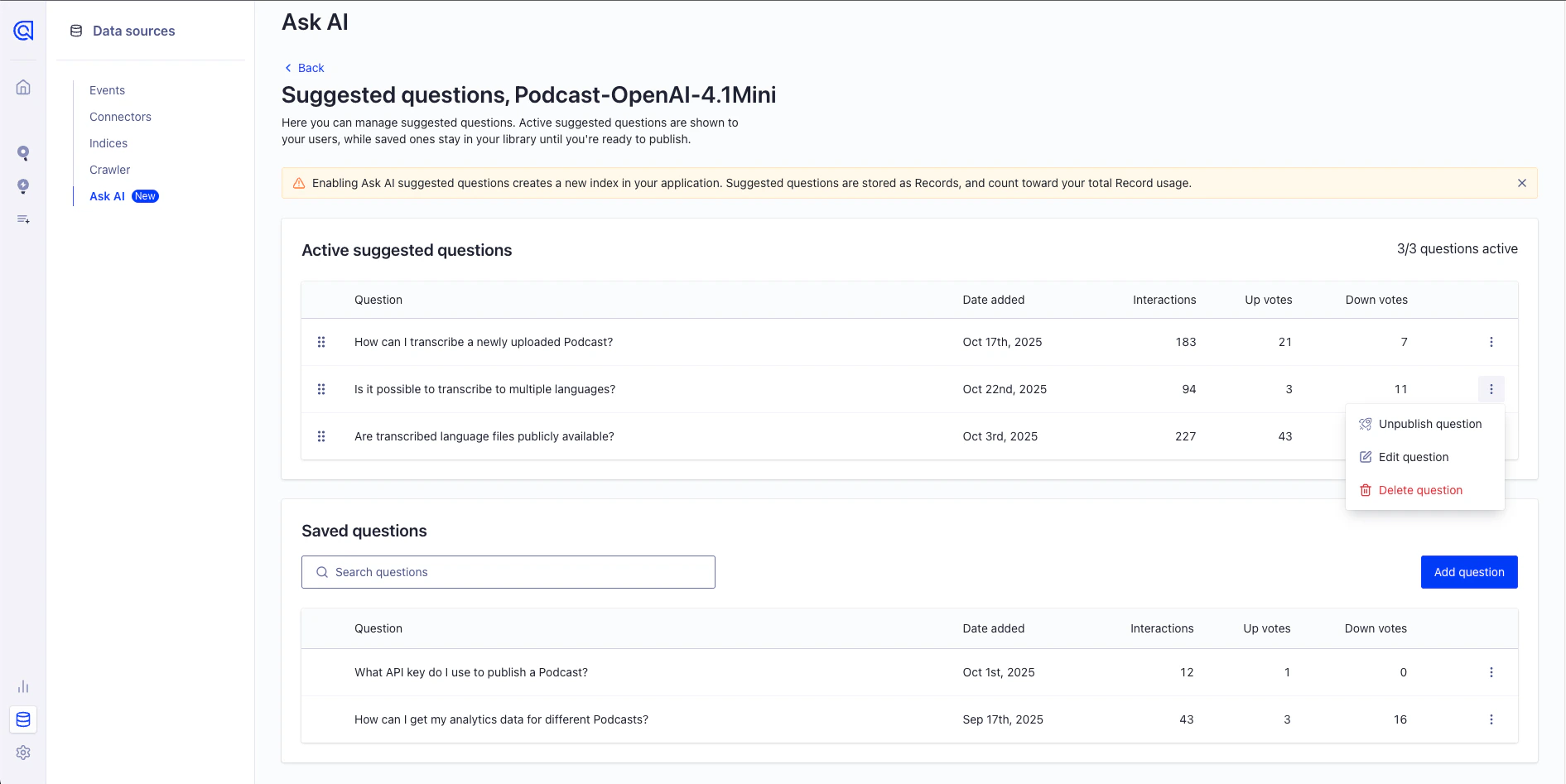
You can set up suggested questions during assistant creation or from the assistant analytics view:- During assistant creation
- From the assistant analytics view
When creating a new Ask AI assistant,
the last (optional) step lets you add suggested questions in the setup flow.
This is the quickest way to add initial suggestions before launching your assistant.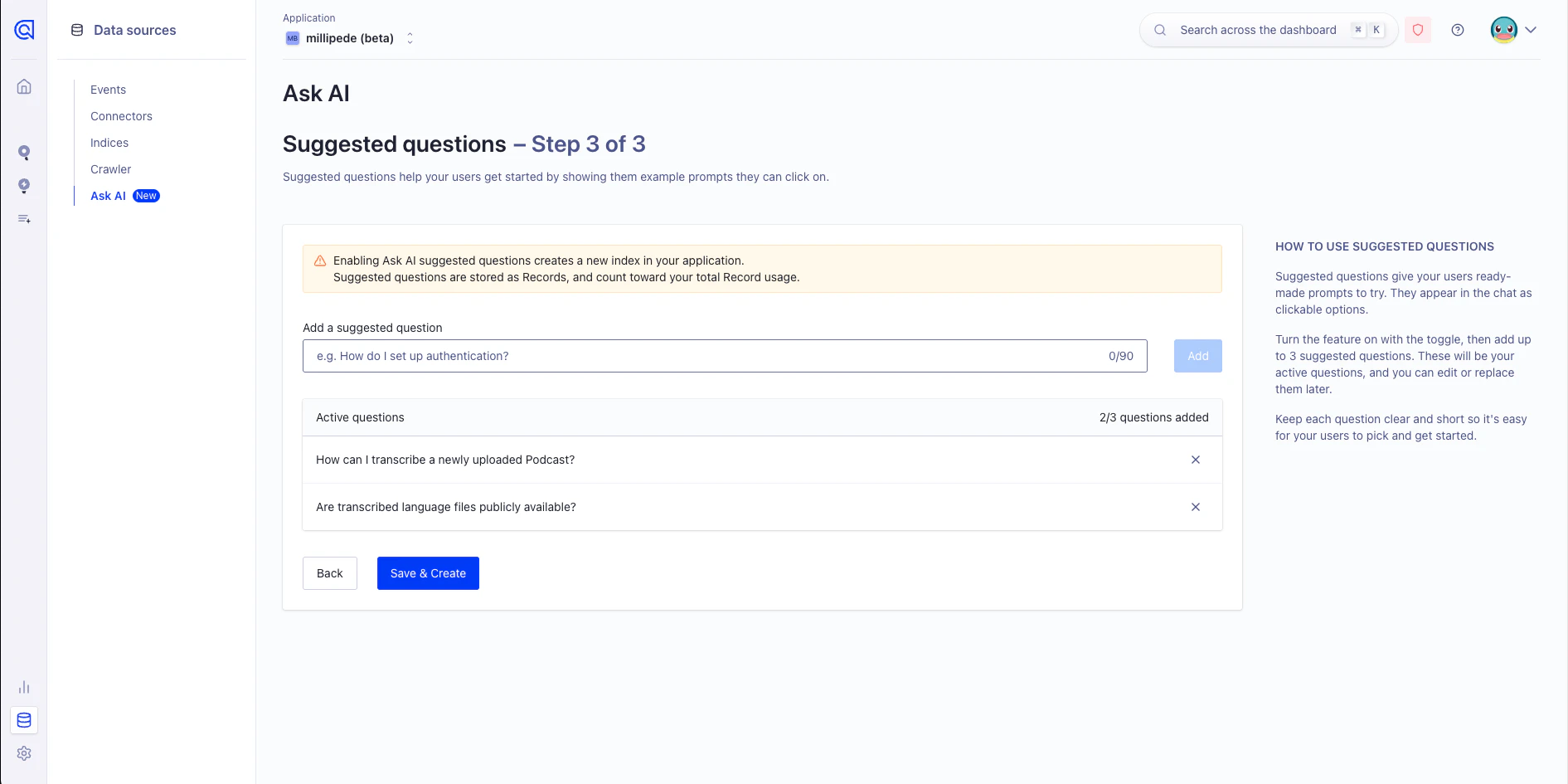
Index creation
When you add suggested questions, Algolia automatically creates an namedalgolia_ask_ai_suggested_questions in your .
Ask AI uses this index to retrieve and display suggested questions in your app.
Algolia stores each suggested question with its assistant ID.
On the frontend, filters automatically filter these ,
so each assistant shows only its own suggested questions.
You shouldn’t change the index configuration or records manually.
Ask AI automatically manages the index so suggested questions work correctly.
Enabling suggested questions
This feature is available in DocSearch v4.3 and later.
algolia_ask_ai_suggested_questions index.
Add the following property to your Ask AI configuration: suggestedQuestions: true
Display on the frontend
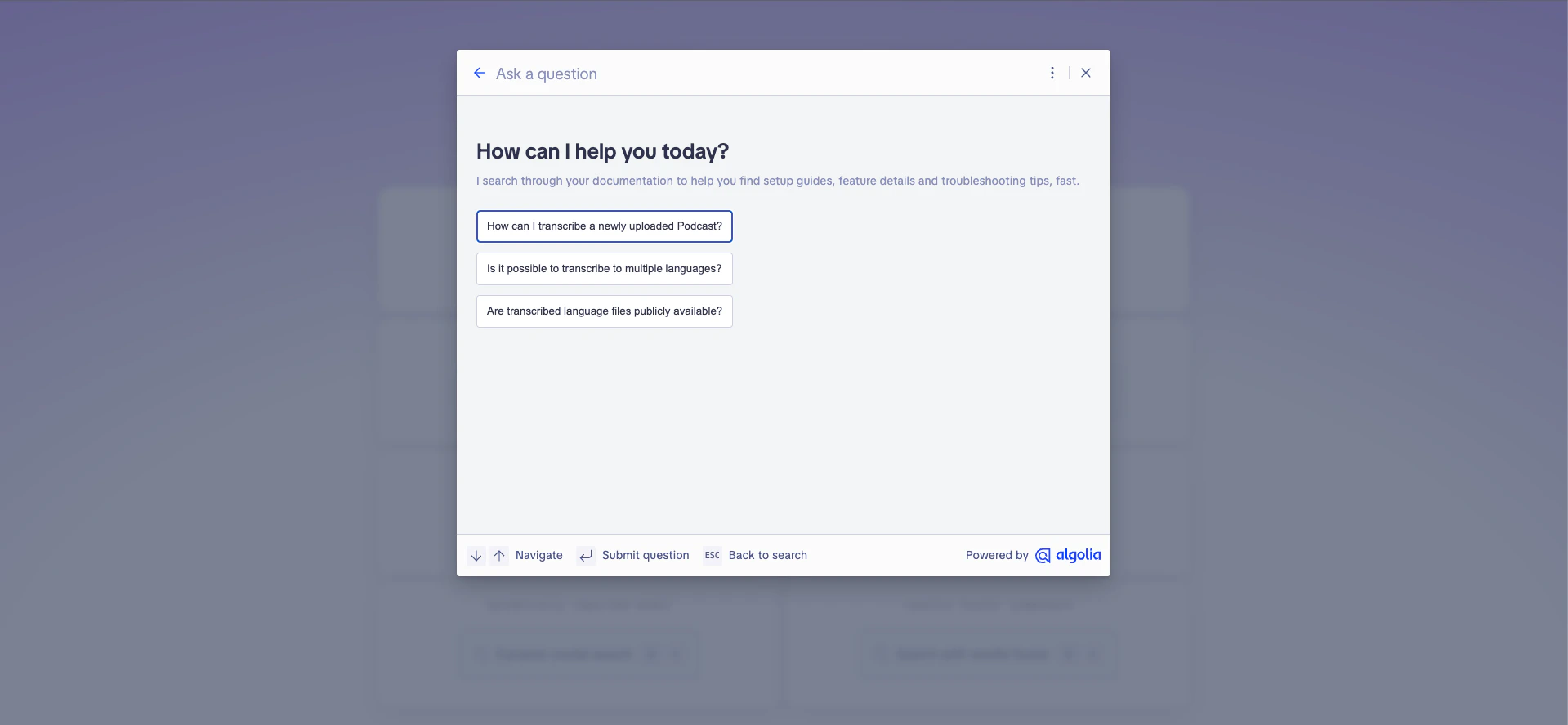
Once you enable the feature, suggested questions automatically appear in your Ask AI user interface. You can customize their placement, layout, and styling to match your app’s design and user experience.