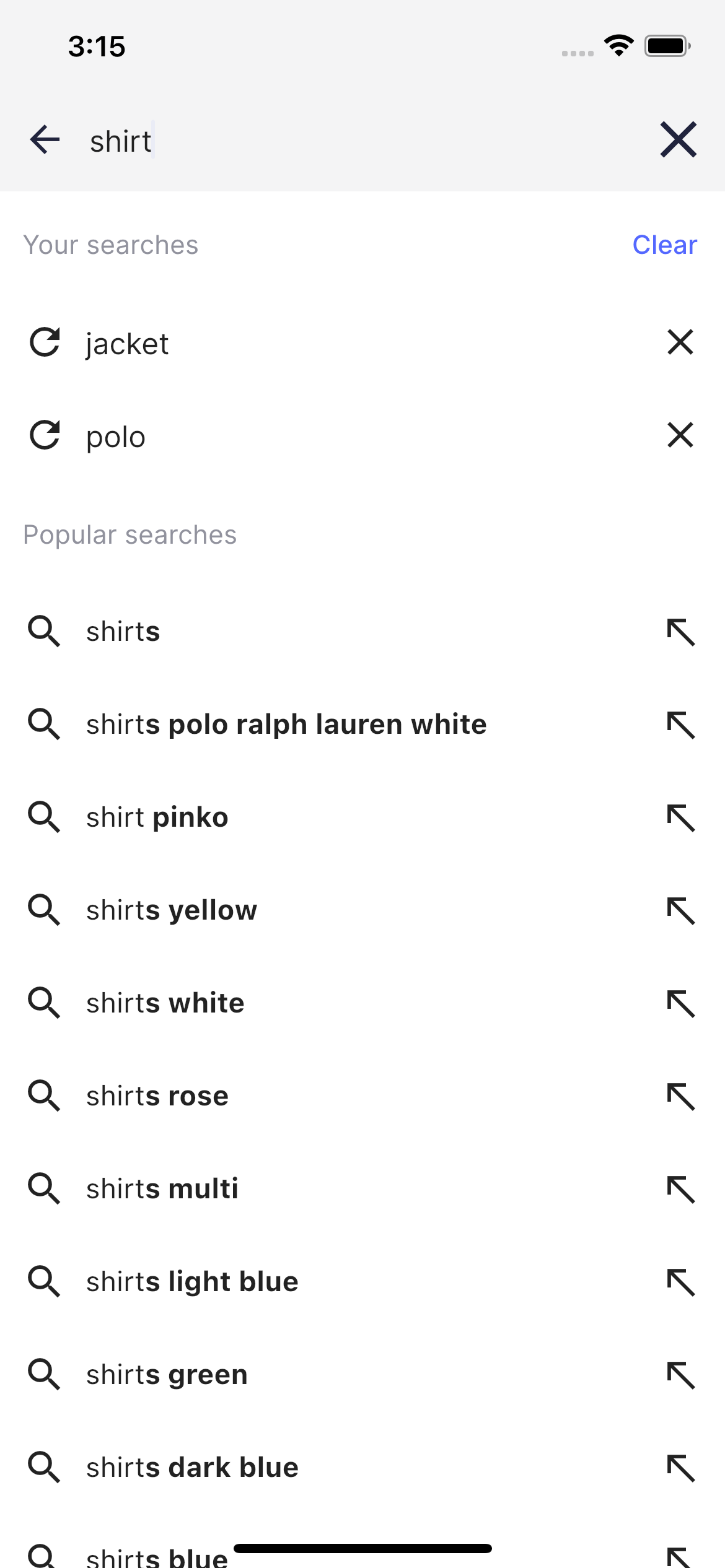
Build an attractive, first-class search and discovery experience for your online store built on top of best practices.
Get inspired and speed up the implementation of Algolia in your Flutter based cross platform app (Android/iOS).
The Algolia Flutter helpers outlined in this guide will help you build an attractive, first-class search and discovery experience.
The Ecommerce UI template has significant benefits for developers creating an online store:
It’s production-ready.
As a developer, you can tailor the UI template to your business using pre-packaged, customizable components.
You can re-use as much of the template as you like and customize the rest.
You get a beautiful, native search and discovery experience.
The UI template focuses on great user experience and performance.
The Ecommerce UI template helps mobile developers and UI/UX designers build an online store that matches your business needs.
It’s a starter package, designed to be mobile-first, optimized for UI/UX using Algolia’s UI design kit, and embracing search and discovery best practices.The UI template has two main screens:
Home page, which focuses on product discovery
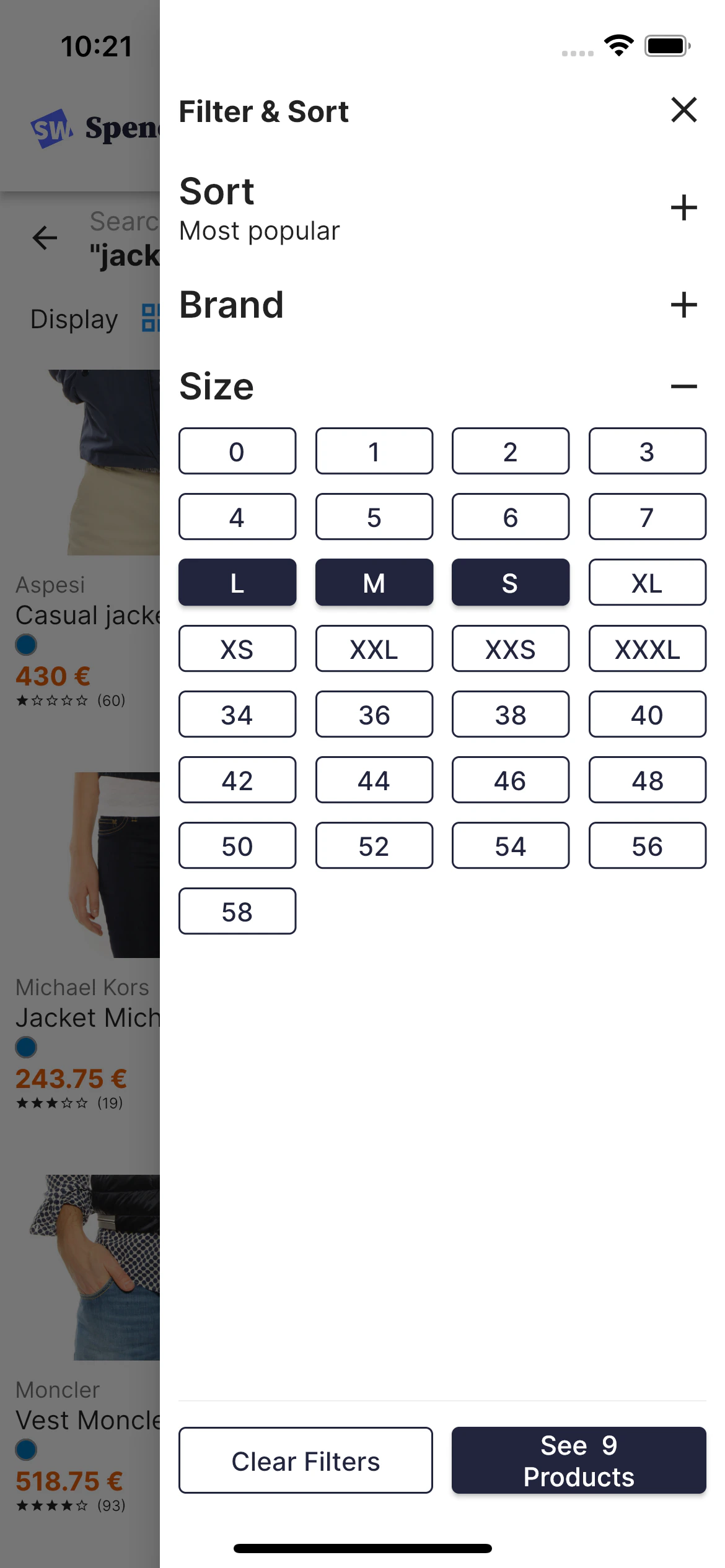
Product listing page, which unifies search and product discovery into a single experience allowing users to find products by combining keyword-based search and facet-based navigation
The UI template uses the best of the Algolia platform: