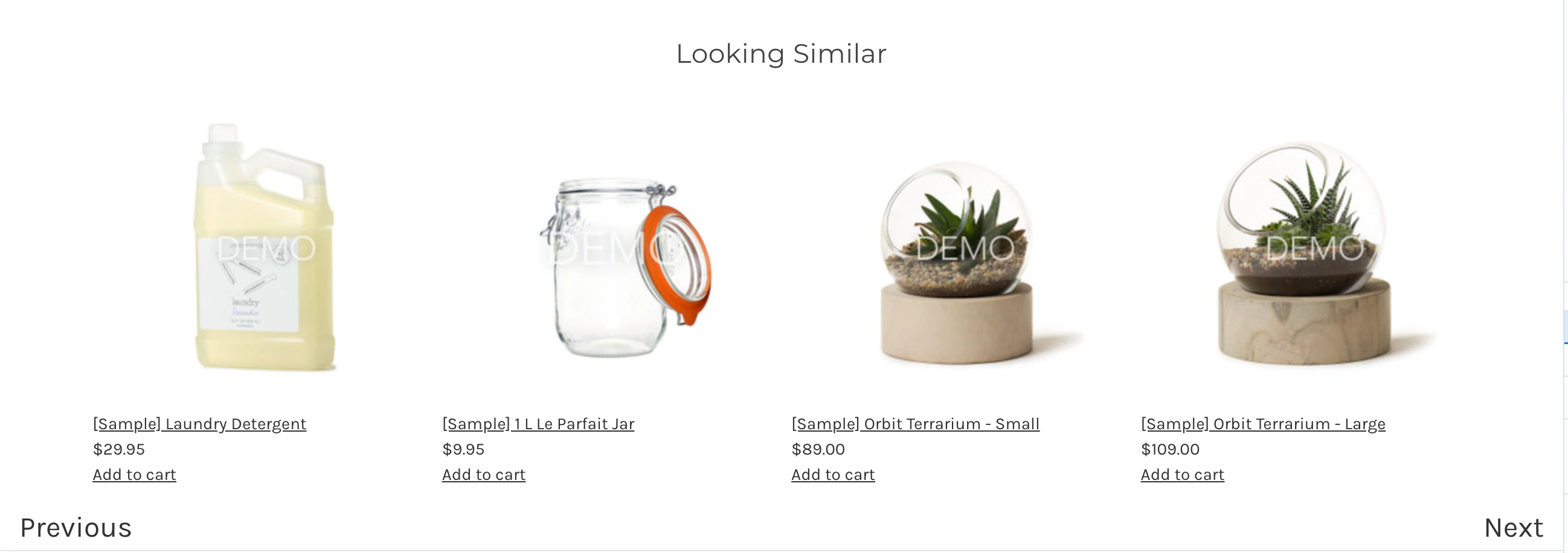
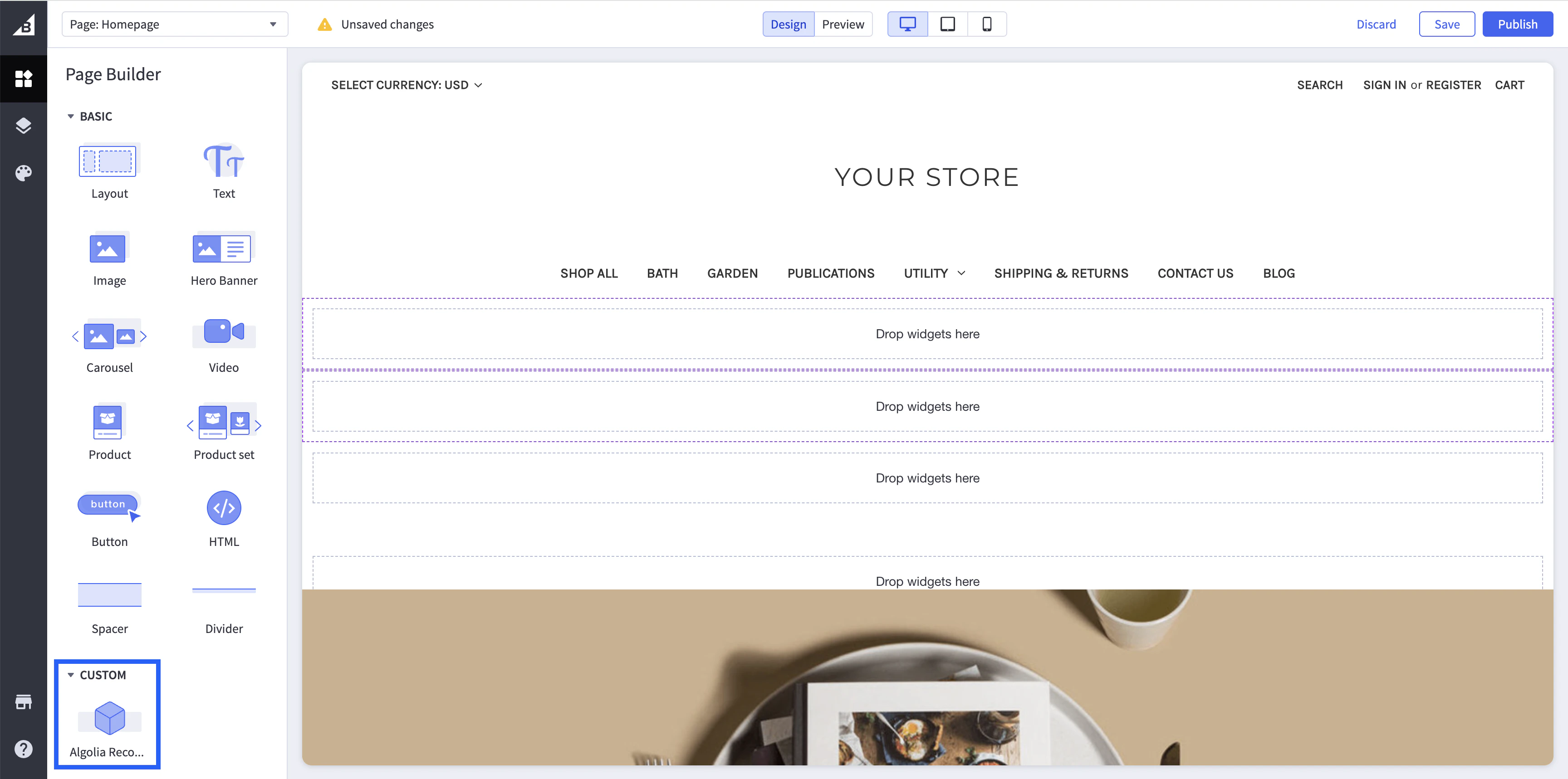
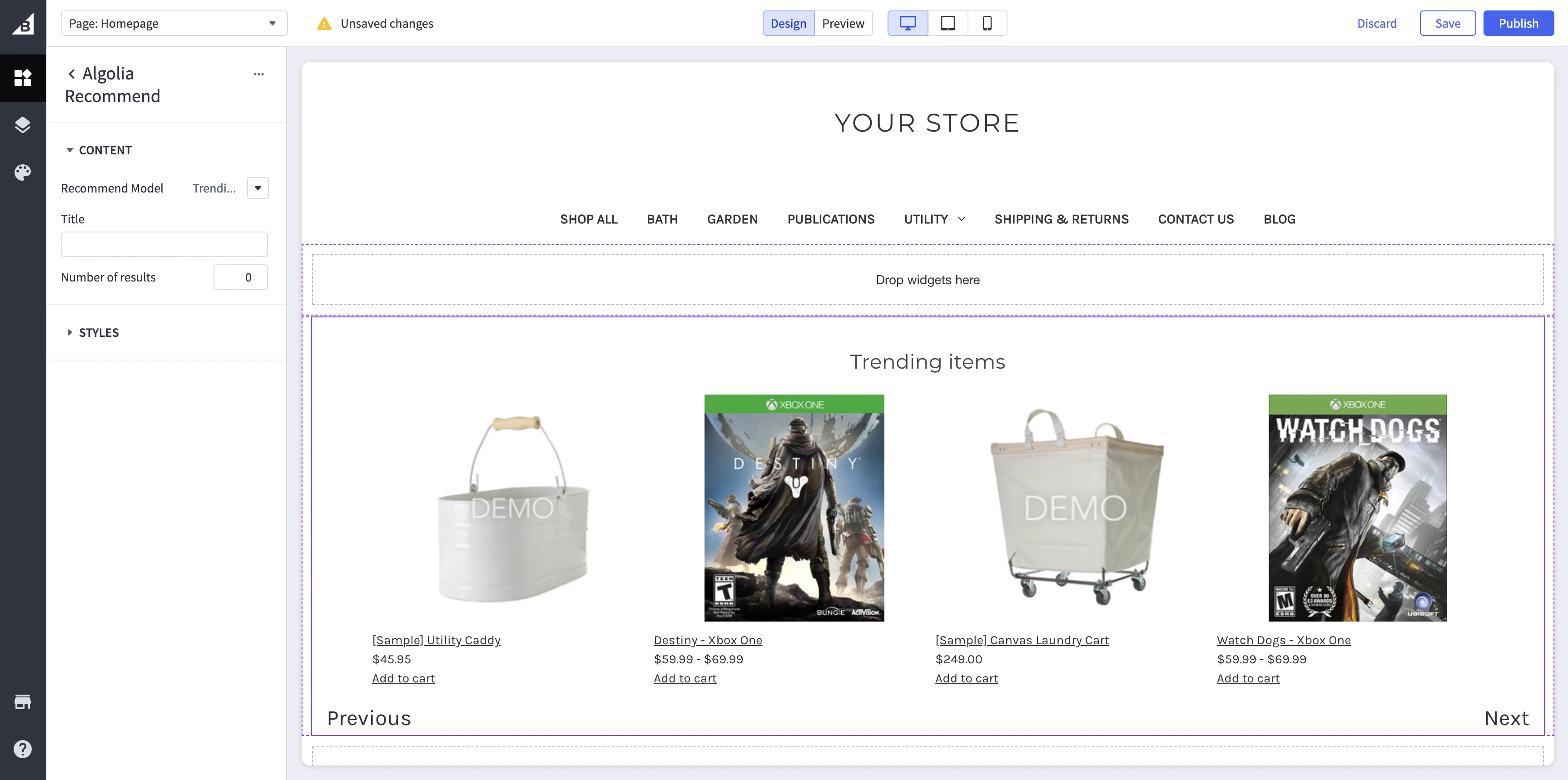
The Algolia integration for BigCommerce includes a widget template built with Algolia Recommend that you can add to your store’s pages to show product recommendations.
To make the Recommend widget template available,
go to Search experience in the app, select the storefront channel,
and turn on the Recommendations toggle.The index powering the channel must have trained models for Algolia Recommend.
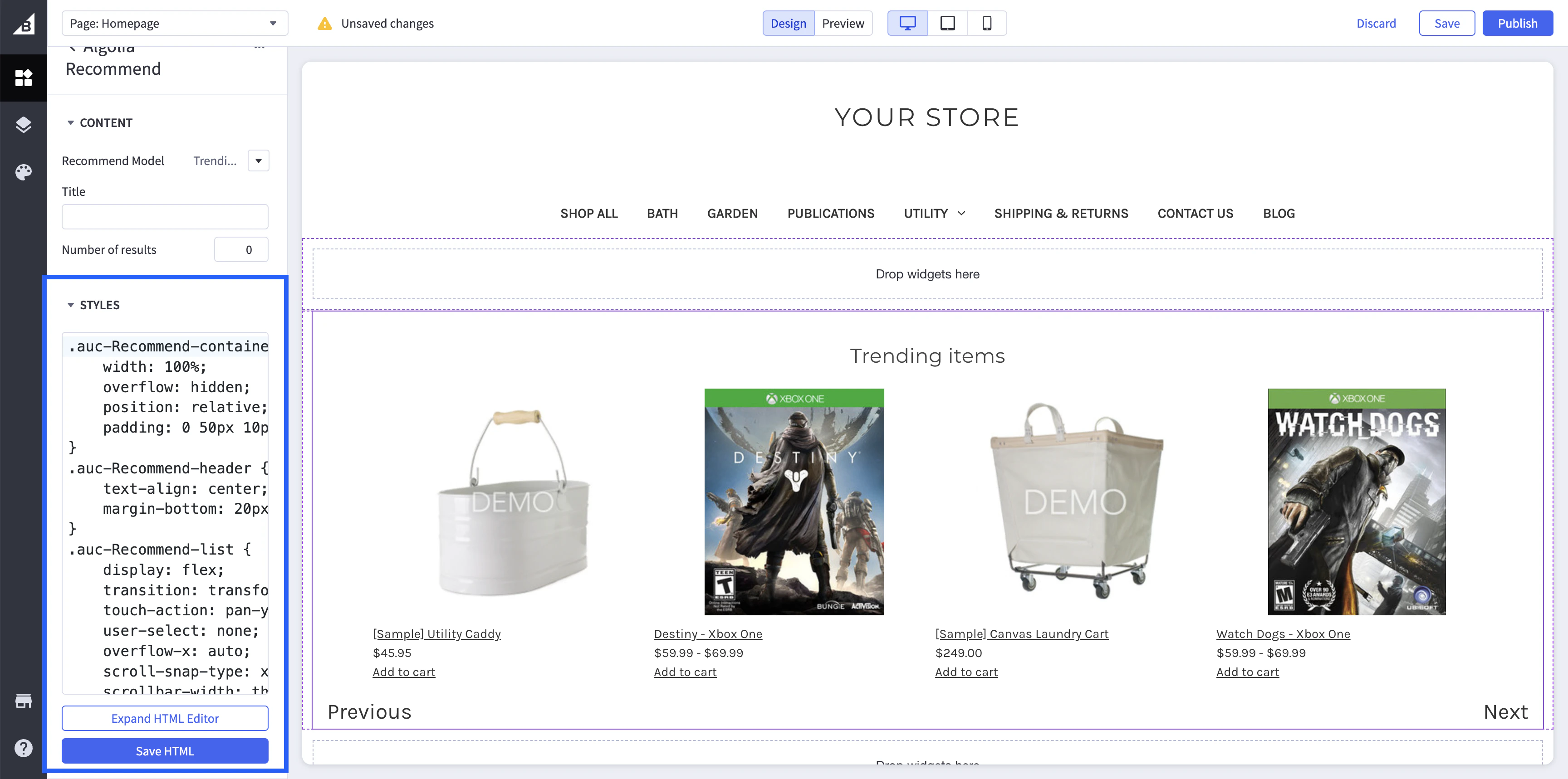
Edit the widget’s CSS to match your store’s theme in the widget’s settings.Save your changes by clicking Save HTML.To customize the widget’s title,
edit the Title field in the widget’s settings.To customize the number of recommendations shown,
edit the Number of results field in the widget’s settings.
The default setting is 0, which shows all recommendations.