

- Boolean values create simple boosts.
- Numeric values allow finer control over boosting.
featured attribute for boosting.
To run the code examples on this page, install the latest API client.
- Boolean
- Numeric
JSON
- With the boolean
featuredvalue, a query forareturns “Apple” first. - With the numeric
featuredvalue, a query forareturns “Apricot” first because it has the highestfeaturedvalue.
Add the boost attribute to custom ranking
Custom ranking is the last criterion in Algolia’s ranking formula. Add boost attributes here to affect the order of records with the same textual relevance. It doesn’t override Algolia’s default ranking criteria. To boost records, add the attribute you’re boosting to the custom ranking from the dashboard or the API.If your boosted attribute is a boolean,
ensure you set the order of the custom ranking attribute to descending.
With the dashboard
On the ranking and sorting tab, add a new custom ranking attribute.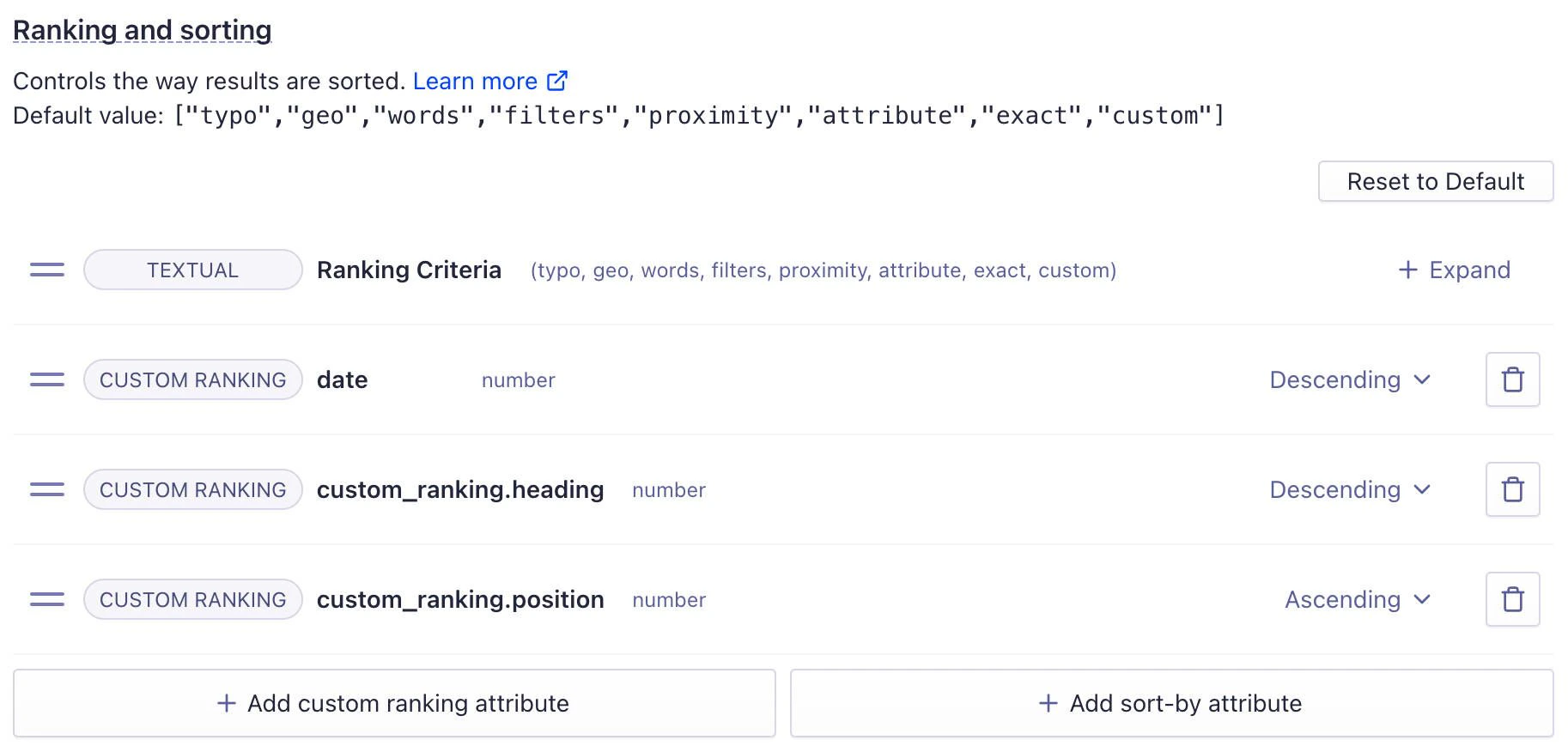
From the API
Use sorting to group items before ranking them
You can sort records by an attribute before applying the ranking formula. For example, you might want results to appear in price-based groups (such as high-, medium-, and low-priced items). To do this, assign numeric values (for example, 1, 2, and 3) to a defined grouping attribute. Algolia sorts group 1 first, then group 2, and so on.Use a separate attribute for grouping.
Don’t reuse your boost attribute.
This method uses sorting,
which applies before custom ranking and determines the overall group order.