

- Improves recommendation accuracy and speed by removing item variants before the training process.
- Improves recommendation quality by using events from all item variants.
- Separates deduplication from search so it doesn’t affect the search experience.
Recommend deduplication versus search deduplication
Algolia offers two types of deduplication:- Search deduplication removes duplicate items from search results. This can help improve the relevance of the results and make them more user-friendly.
- Recommend deduplication removes duplicate items from Algolia AI recommendations. This can help improve the diversity of the recommendations and make them more personalized.
How Recommend deduplication works
Recommend deduplication adds two processes to your AI model training:- Pre-training process: generates a training dataset with only one variant per item. It also merges all events from variants of the same item.
- Post-training process: restores the variants dropped during pre-training. They go back into the final set of recommendations.
Item variants share the same recommendations.
Set up the deduplication for a model
To deduplicate your recommendations, first declare an attribute for distinguishing variants. Then turn on deduplication when you configure a Recommend model. After that, verify that the recommendations are deduplicated.Configure an attribute for distinguishing variants
First, choose which attribute defines records as variants:- Go to the Algolia dashboard and select your Algolia .
- On the left sidebar, select Search.
- Select your Algolia index.
- On the Configuration tab, go to the Deduplication and Grouping page.
-
In the Attribute for Distinct box,
select or enter the attribute name you want to use to define variants.
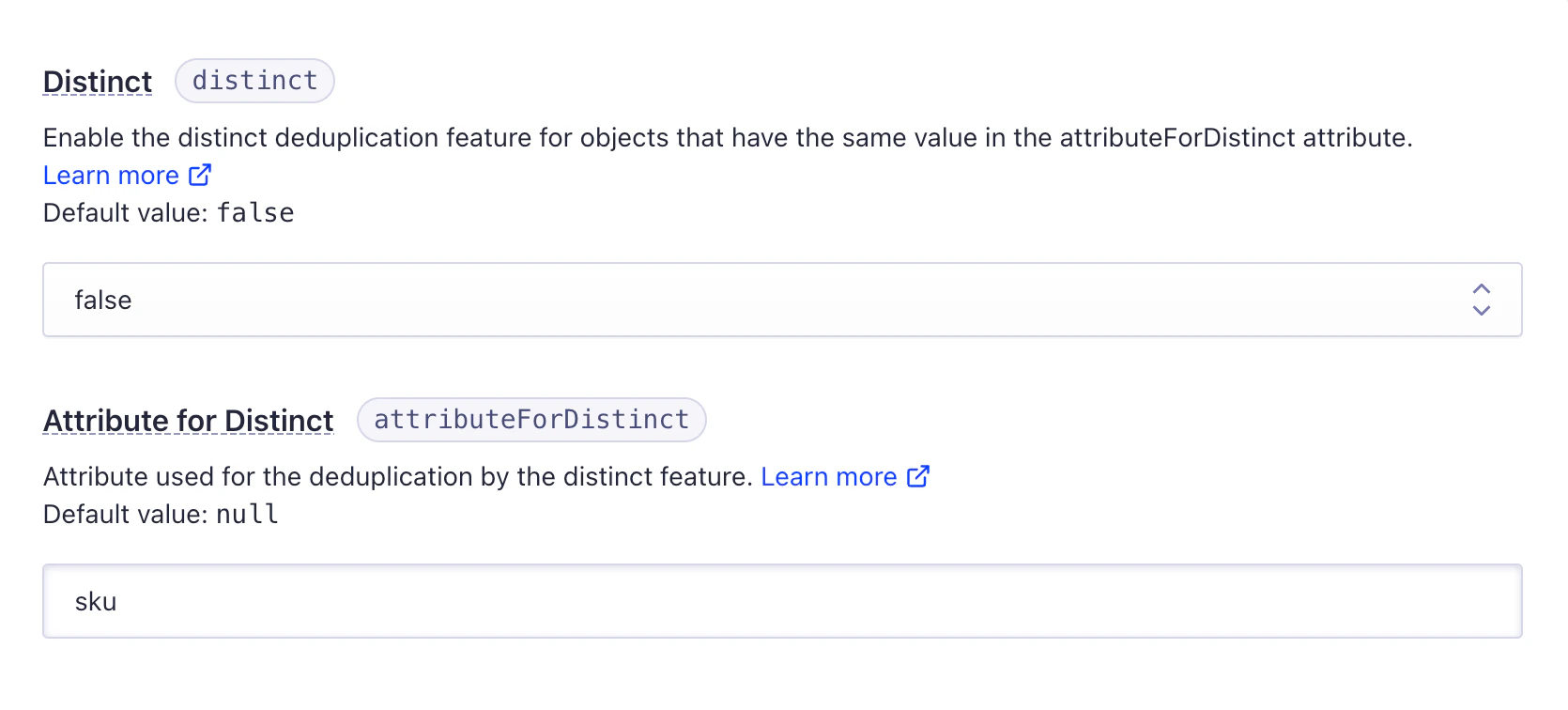
Only use the
distinct option if you also want to deduplicate search results.Enable Recommend deduplication on your model
- Go to the Algolia dashboard and select your Algolia application.
- On the left sidebar, select Recommend.
-
Create a new Recommend model, or edit an existing one, for the index where you set
attributeForDistinct. - In the Deduplicate recommendations section, turn on the Deduplicate recommendations switch. This shows the attribute you selected for defining variants.
-
Continue to configure your Recommend model and click Save.

Verify the recommendations
To check that deduplication works for your recommendations, revisit the model configuration after training finishes:- Go to the Preview section.
- Use the Search for a record box to search for an item that should have variants.
Examples
The following examples illustrate how Recommend deduplication works. The index has records for T-shirts in different colors and sizes:- One red T-shirt in one size (XS)
- Two green T-shirts in two sizes (S, M)
- Three blue T-shirts in three sizes (L, XL, XXL)
color attribute as attributeForDistinct.