

This is a beta feature according to Algolia’s Terms of Service (“Beta Services”).
Before you begin
This feature isn’t available on every plan.
Refer to your pricing plan to see if it’s included.
How recommended for you works
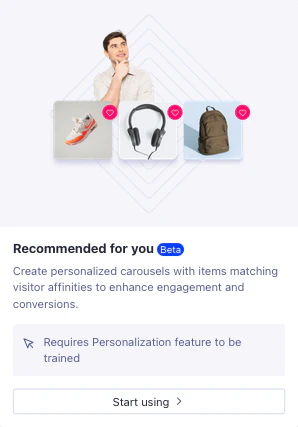
Recommended for you ranks items by each user’s affinities, which are derived from their interactions and preferences. To learn how affinities shape Recommend results, see How personalized recommendations work.Enable recommended for you
- Go to the Algolia dashboard and select your Algolia .
- On the left sidebar, select Recommend.
-
Select Recommended for you and click Activate.
Add Recommended for you to your app
You can add Recommended for you to your app using the Recommend API client. In the ,queryParameters can include any valid search parameters such as facetFilters or hitsPerPage.
A userToken is required.
Send the same token you send with your click and conversion events.
getUserToken to get the anonymous user token, instead of generating your own.
InstantSearch doesn’t support the Recommended for you model.
Use the API client instead.