

Get started
Configure crawlers with the visual UI
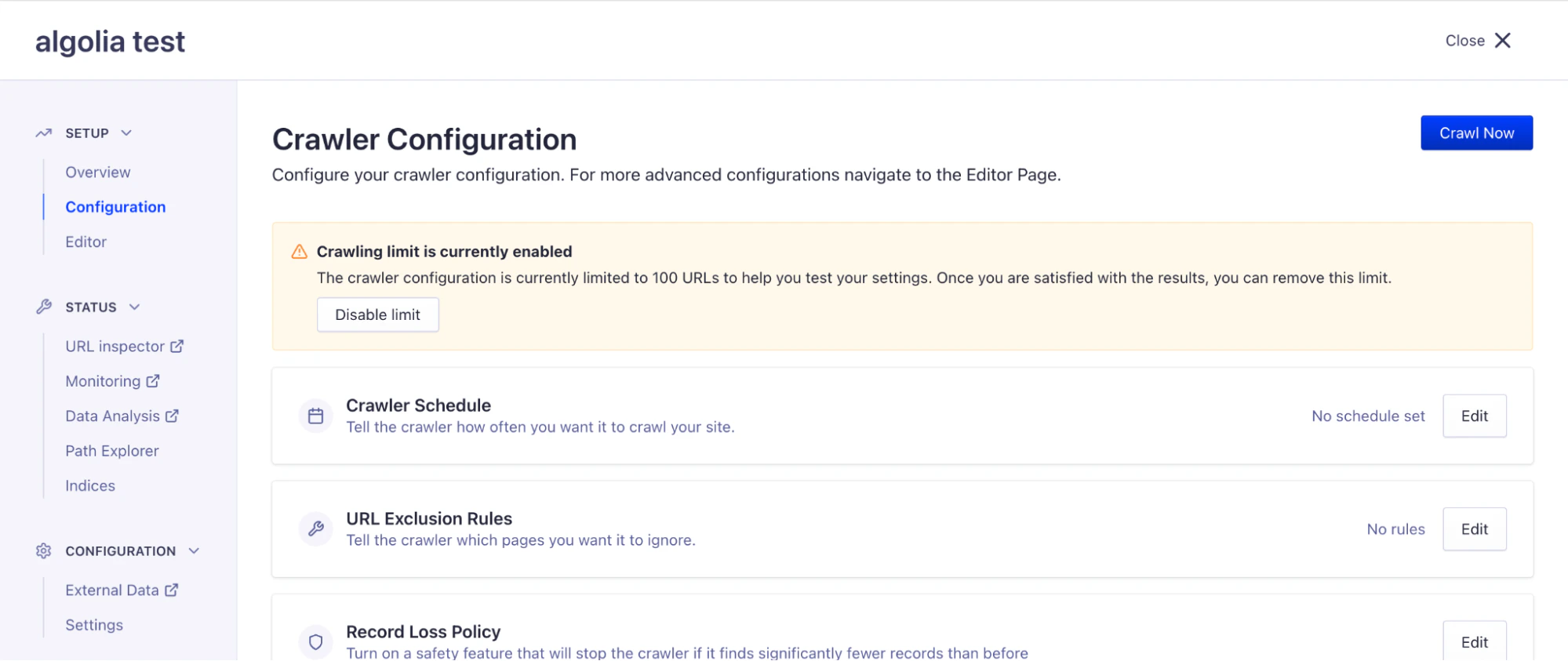
Configure a crawler’s most often-used configuration settings with a visual UI.
To access the visual UI, click Configuration in the Crawler’s left-hand menu.
For advanced configuration options, use the editor.
The visual UI and the editor stay in sync.
A change in one shows up right away in the other.
You can track all changes in the editor’s Configuration History.
Last modified on September 16, 2026