

Get started
Suggestions
How to interpret the Crawler’s suggestions for configuration improvements.
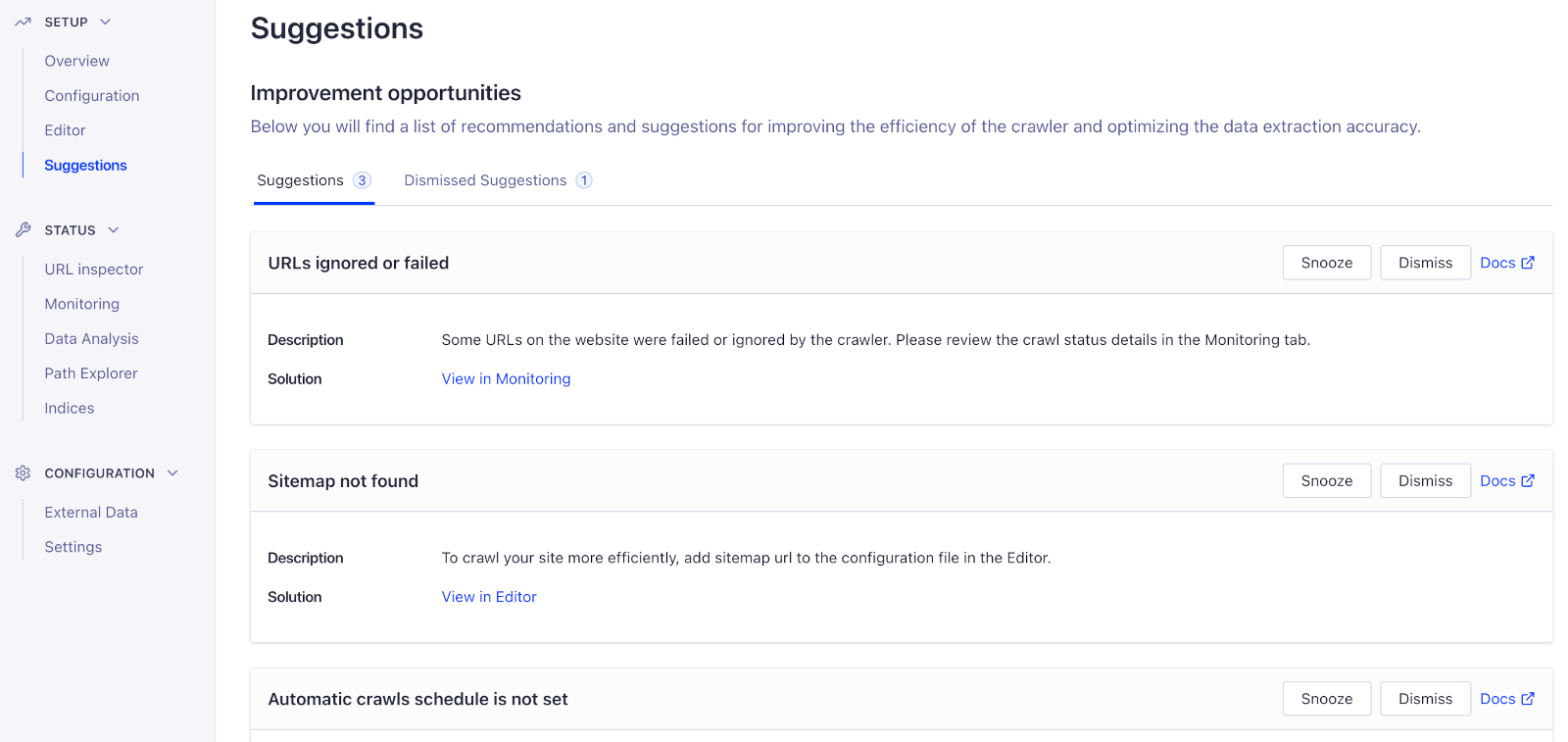
After each site crawl, the overview page shows suggestions to help improve your crawler configuration.
To access these suggestions, click View in Suggestions on the Crawler’s overview page.
You can also click Suggestions in the sidebar menu.
Last modified on September 16, 2026