

This is the React InstantSearch v7 documentation.
If you’re upgrading from v6, see the upgrade guide.
If you were using React InstantSearch Hooks,
this v7 documentation applies—just check for necessary changes.
To continue using v6, you can find the archived documentation.
- Adding a search box to send queries
- Displaying infinite hits and highlighting matches
- Filtering in a modal to narrow down the results set
- View source code
Before you begin
This tutorial assumes you have React and React Native knowledge and an existing React Native app with React ≥ 16.8.0 app. If you don’t have a React Native app, create one. The tutorial also requires an installation ofalgoliasearch and react-instantsearch-core.
Add InstantSearch to your app
TheInstantSearch wrapper connects your InstantSearch app to your Algolia .
App.js
INDEX_NAME with the name of your .
Add styles using the StyleSheet API from React Native.
Add a search box
The main UI component of a search experience is a search box. It’s often how users discover content in your app. React InstantSearch provides auseSearchBox Hook to display an Algolia search box.
Use it with the TextInput React Native component.
Then, add the custom SearchBox component to your app.
INDEX_NAME with the name of your index.
Display infinite hits
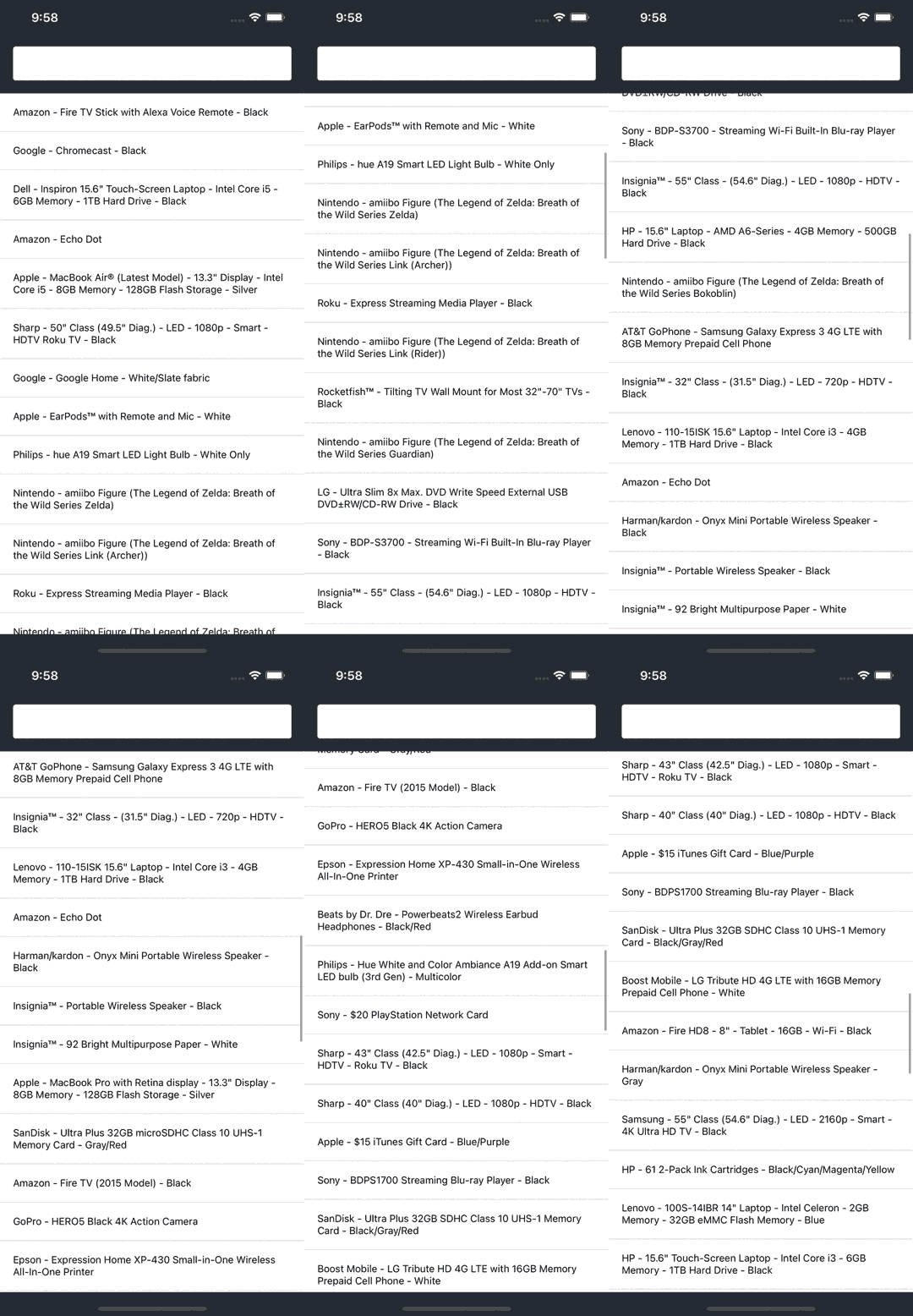
When Algolia returns results, you want to list them in the UI. A common way of dealing with lists on mobile devices is to display an “infinite list”: a list that loads more results when users scroll to the bottom of the screen. To do this, use theuseInfiniteHits Hook with the FlatList React Native component.
Then, add the custom InfiniteHits component in your app and pass it a custom Hit component to display each Algolia result.
INDEX_NAME with the name of your index.
- Assign a reference (
ref) to the list for later use in your app. - Wrap the
InfiniteHitscomponent inforwardRef. This lets you passreffrom the app to the list. - Listen for the query to change by waiting for an
onChangecallback on the customSearchBox. - When the query changes, call
FlatList.scrollToOffsetto scroll the list to the correct position.
Highlight matches
Algolia supports highlighting and returns the highlighted parts of a result in the response. Build a customHighlight component to highlight matches in each attribute.
The instantsearch.js library provides the necessary utilities to parse the highlighted parts from the Algolia response.
React InstantSearch uses InstantSearch.js behind the scenes, so you don’t need to include it as a separate dependency.
Use the Text component from React Native to represent each highlighted and non-highlighted part.
Then, use the custom Highlight component in your custom Hit component.
INDEX_NAME with the name of your index.
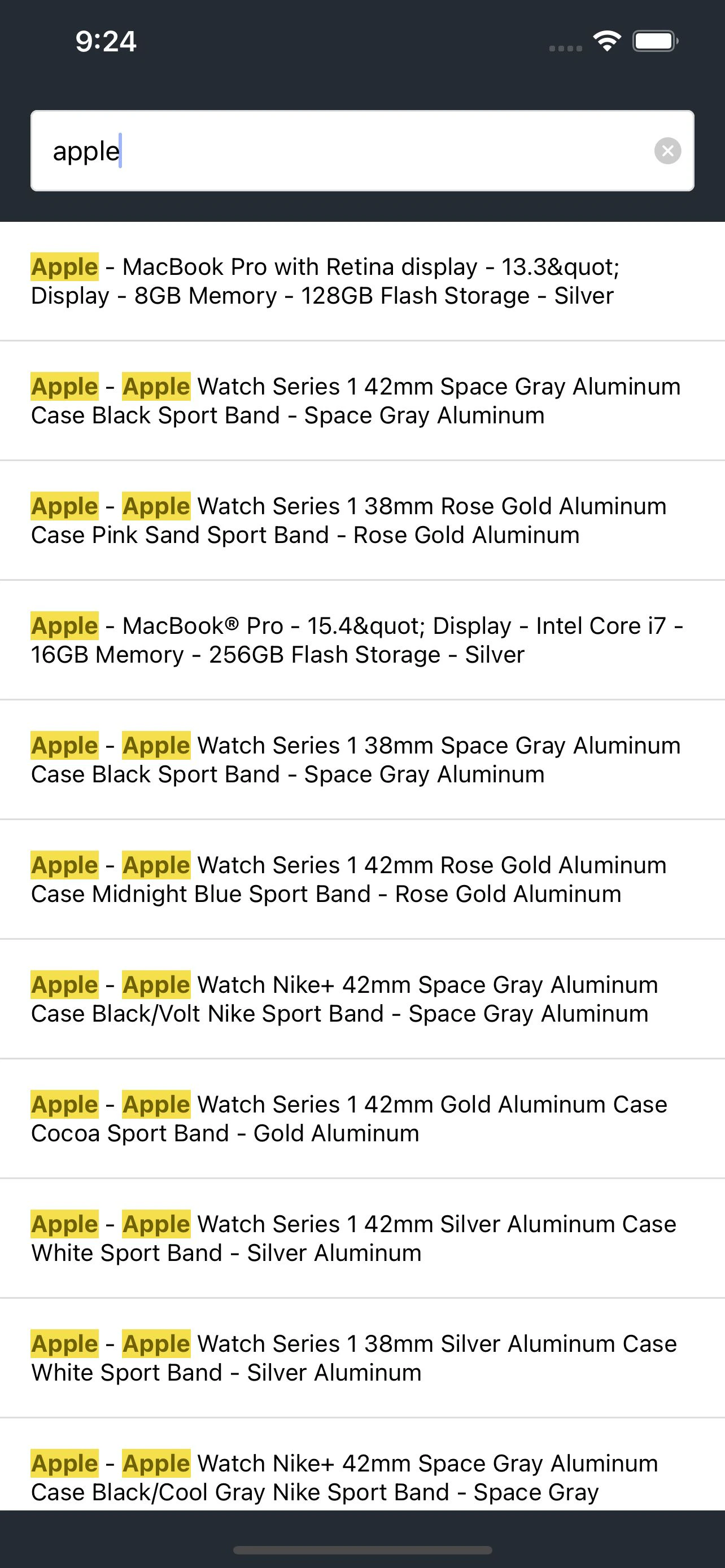
When users type a query, the UI highlights matches in each search result.
Add a filter
A search box is a great way to refine a search experience, but sometimes users need to narrow down the results to find what they’re looking for in a specific category. Use theuseRefinementList Hook to items based on attributes such as brand,
size, or color.
Mobile devices have limited screen real estate.
Instead of displaying filters near the list of hits as you would on a desktop website,
mobile apps commonly set filters inside a modal.
With React Native, use the Modal component.
INDEX_NAME with the name of your index.
Replace the brand attributes with one of your index’s faceting attributes.
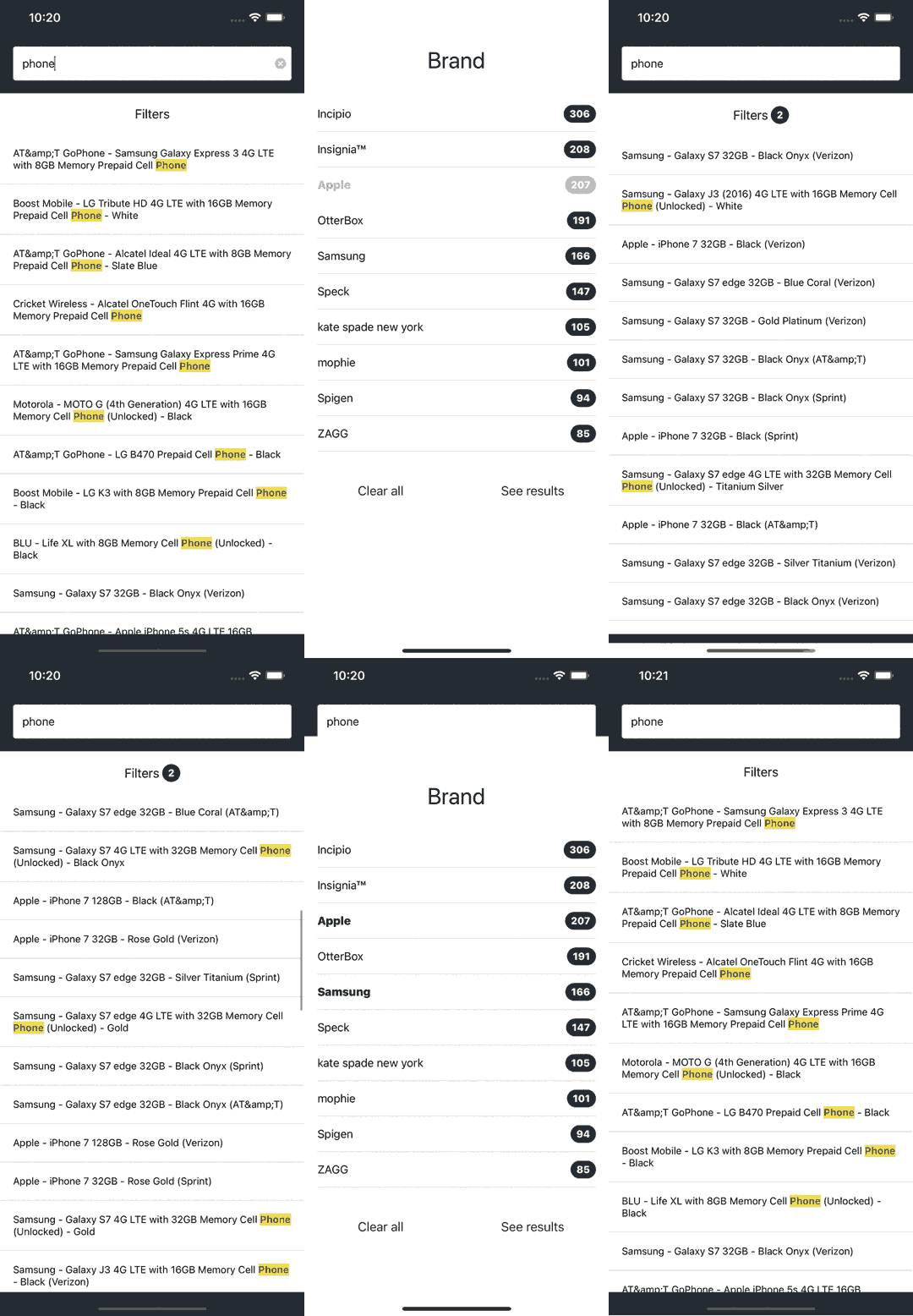
useCurrentRefinements and useClearRefinements Hooks to display how many refinements are applied and let users clear them all at once.
Next steps
With this tutorial, you’ve got a solid starting point for building dynamic search interfaces. Some steps to improve the app are:- Search in multiple indices with
Index. - Use a different component library like Lottie React Native or React Native Elements.
- Discover more Hooks by checking the API reference.