

Autocomplete, InstantSearch, and Recommend in the Algolia app blocks now support version 5 of the Algolia API client.
Most stores only need to switch the search client version setting to Version 5.
If you use custom storefront JavaScript, follow the version 5 upgrade guide.
Support for version 4 ends on August 14, 2026.
Shopify apps can’t modify theme code directly.
To integrate Autocomplete and InstantSearch,
use the Algolia AI Search & Discovery app’s App Embed and App Blocks.For more information, see:
window.algoliaShopify.hooks.allowedHooks in your browser’s developer tools.
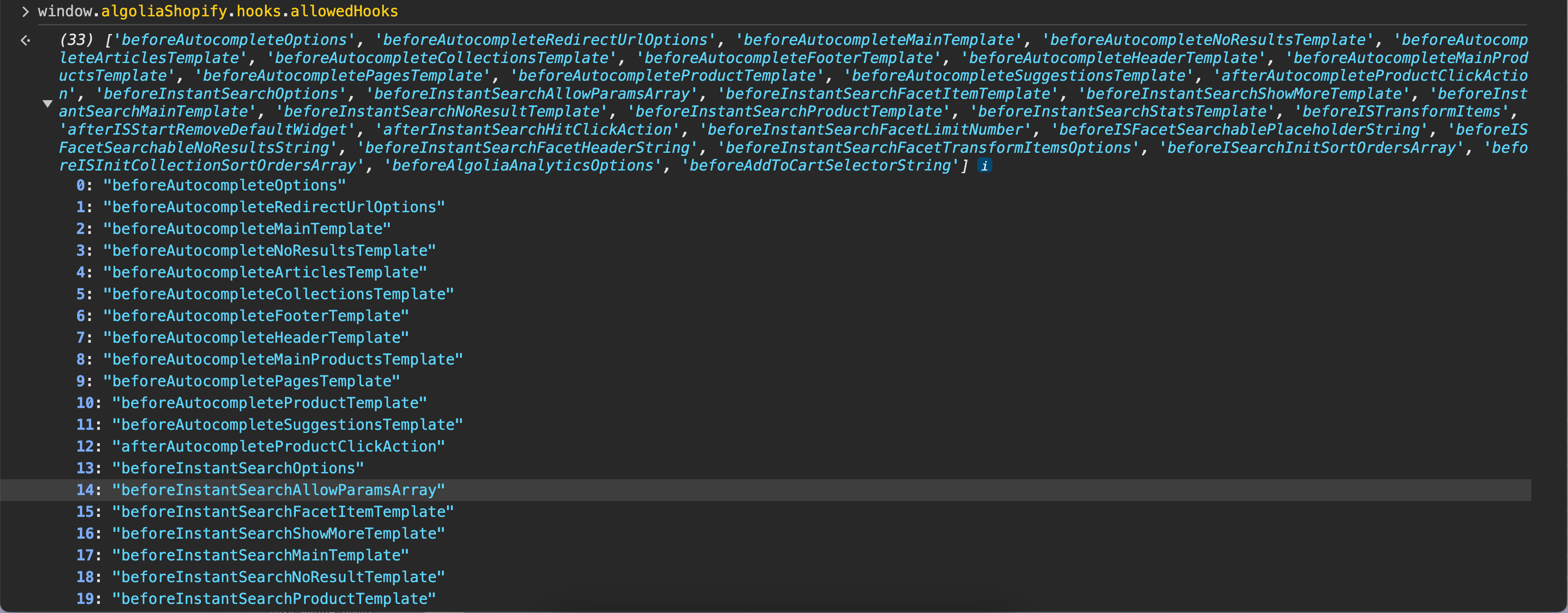
Add custom hooks
To add custom hooks, add a new JavaScript file, register the hook, and include that file in your theme.1
Add a new JavaScript file
- In your store’s Shopify admin, go to Sales channels > Online Store > Themes.
-
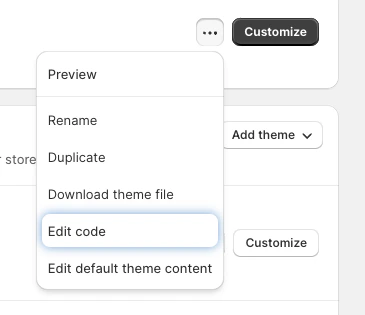
Select the theme you want to edit and click Click for more theme actions > Edit code.
- In the assets section, click New file.
-
Enter a filename, for example,
algolia_custom_hooks.js.
2
Register a hook function
-
Open the custom hooks JavaScript file you created in the last step (for example,
algolia_custom_hooks.js). -
Add an event listener to the
algolia.hooks.initializeevent and call thealgoliaShopify.hooks.registerHookfunction. For example:JavaScript
3
Include the JavaScript file in your theme
-
Under layouts, open the
theme.liquidfile. -
Go to the bottom of the
theme.liquidfile and add the following code just before thebodytag. ReplaceNEW_FILEwith the JavaScript file that contains your custom hooks, for examplealgolia_custom_hooks:HTML - Save the file.