

Autocomplete, InstantSearch, and Recommend in the Algolia app blocks now support version 5 of the Algolia API client.
Most stores only need to switch the search client version setting to Version 5.
If you use custom storefront JavaScript, follow the version 5 upgrade guide.
Support for version 4 ends on August 14, 2026.
Before you begin
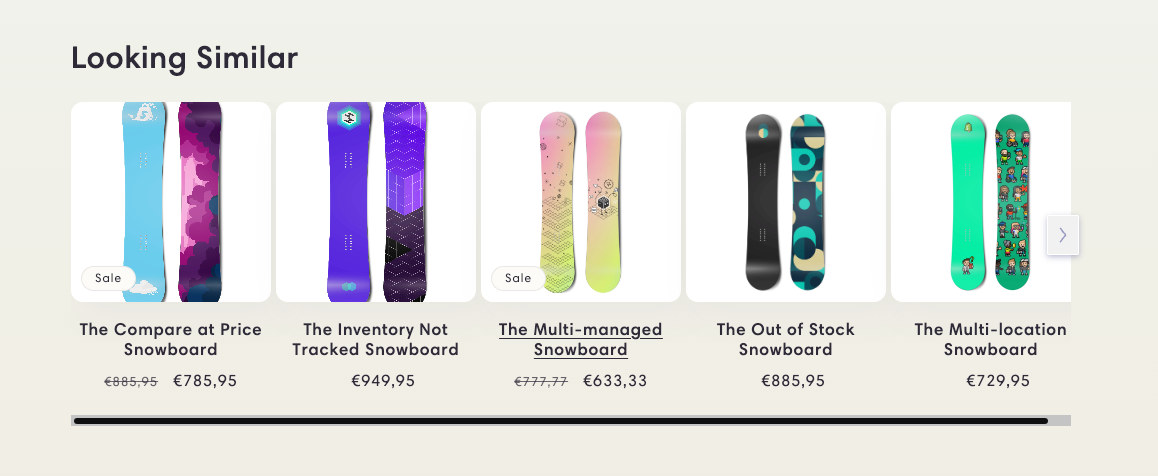
Before you can show recommendations in your store, check that you’ve set up Recommend:- Enable Algolia for your Shopify theme.
- Send click and conversion events. Algolia Recommend relies on click and conversion events to continuously improve its recommendations. You can also upload events from a CSV file to get started.
- You have a trained Recommend model in your Algolia dashboard.
- Recommend isn’t compatible with Shopify Markets.
Enable Recommend
-
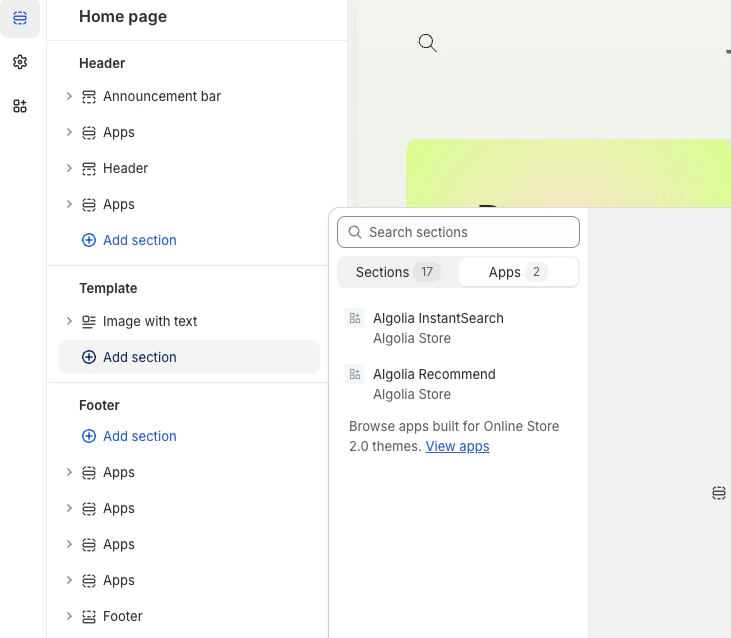
To add the Algolia Recommend app block to your theme,
open your theme editor,
click Add section, go to the Apps tab, and select Algolia Recommend.
-
Select the Recommend model for the app block, complete the settings, save your changes.
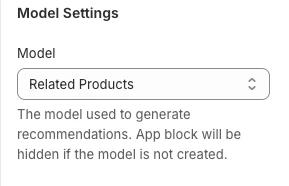
Available models
Only the Trending items model is available outside the product page.
The other Recommend models require a variant ID.