

The InstantSearch frontend captures these events.
The backend search adapter
doesn’t capture click and conversion events on its own.
If you need backend rendering, run your store in hybrid mode with InstantSearch to keep tracking analytics.
Enable click analytics
Set Enable Click Analytics to Yes to turn on click and conversion analytics.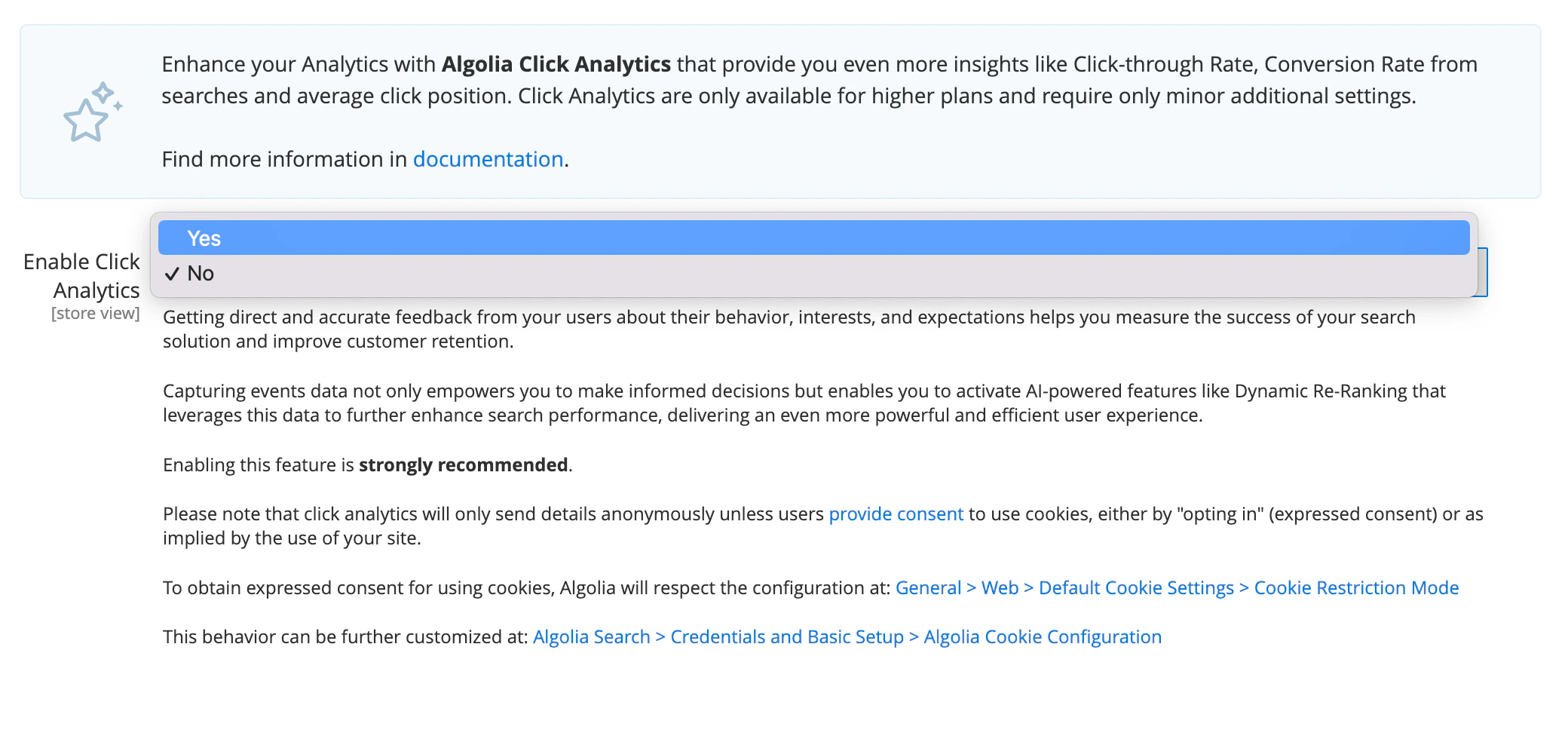
clickAnalytics=true to every search.
The default for this setting is No.
DOM selector of a result container on InstantSearch page
Enter a DOM selector for the search results container to define which elements on your page you track. The elements selected must have thedata-objectid and data-position attributes.
This default DOM selector is .ais-Hits-item a.result, .ais-InfiniteHits-item a.result.
Enable conversion tracking
To determine how well Algolia helps achieve your business objectives, enable conversion tracking. Previous versions of the extension required you to specify which event to track as a conversion: either Add to cart or Place order. From version3.14 Algolia tracks both types of conversions.
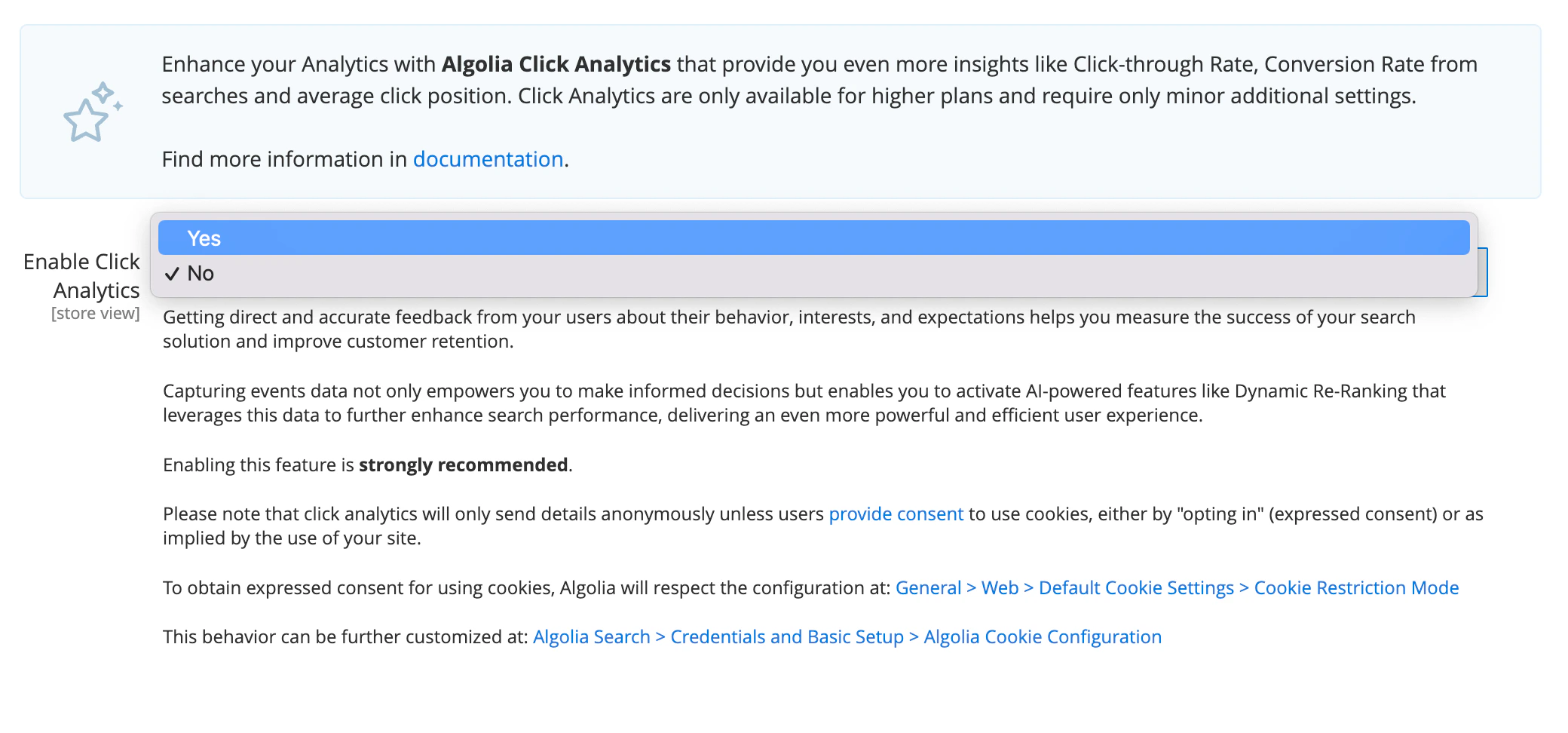
To do this, set Enable Click Analytics to Yes:
For an action to count as a conversion,
the user must have interacted with your search at least once during the session for that product.
queryID, objectID, and indexName.
You need these for your clicks and conversions to work.
For better SEO, use canonical link meta tags for your product pages.
To enable canonical links, go to Stores > Configuration > Catalog > Catalog and set Use Canonical Link Meta Tag For Products to Yes.
If you use another way to track the queryID, objectID, and indexName parameters for your conversion events,
you can remove the URL parameters.
Edit the
common.js file to do this.
URL parameters added to product links
From version 2 and later, if you enable conversion tracking, the extension adds URL parameters to the product links in your search. This ties search to a conversion event using thequeryID parameter.
As best SEO practice, use canonical links for your product pages.
Enable this setting by going to Stores > Configuration > Catalog > Catalog > Search Engine Optimization > Use Canonical Link Meta Tag For Products in your store’s Admin
Revenue analytics
This feature isn’t available on every plan.
Refer to your pricing plan to see if it’s included.
To calculate revenue,
take the final sale price of an item, after any discounts, and
multiply it by the number of items ordered.
Magento shopping cart price rules only apply to the entire order.
These discounts count only in the revenue data sent with the Place order event.
Version 3.14 uses version 4 of the Algolia PHP API client to support this feature.
Version 4 of the client requires PHP 8.
Plan the upgrade before deploying to production.
DOM selector of Add to cart buttons
Enter a selector for the Add to cart button if you set the conversion analytics mode to Add to cart. The elements this selector targets must have thedata-objectid attribute, a unique product identifier.
The default is .action.primary.tocart.