As agents get more autonomous, they also get more dangerous. They’re able to reason, retrieve information, call tools, and generate responses in more applications than ever before, which means that any vulnerability also affects more systems than ever before.
How do we effectively combat attackers trying to take advantage of our agents having access to so much? The answer is strict guardrails. This is far more than just adding some cautious wording to the prompt, which can at best only suggest that the agent limit what it can do. We need to enforce boundaries as part of the agent’s underlying architecture.
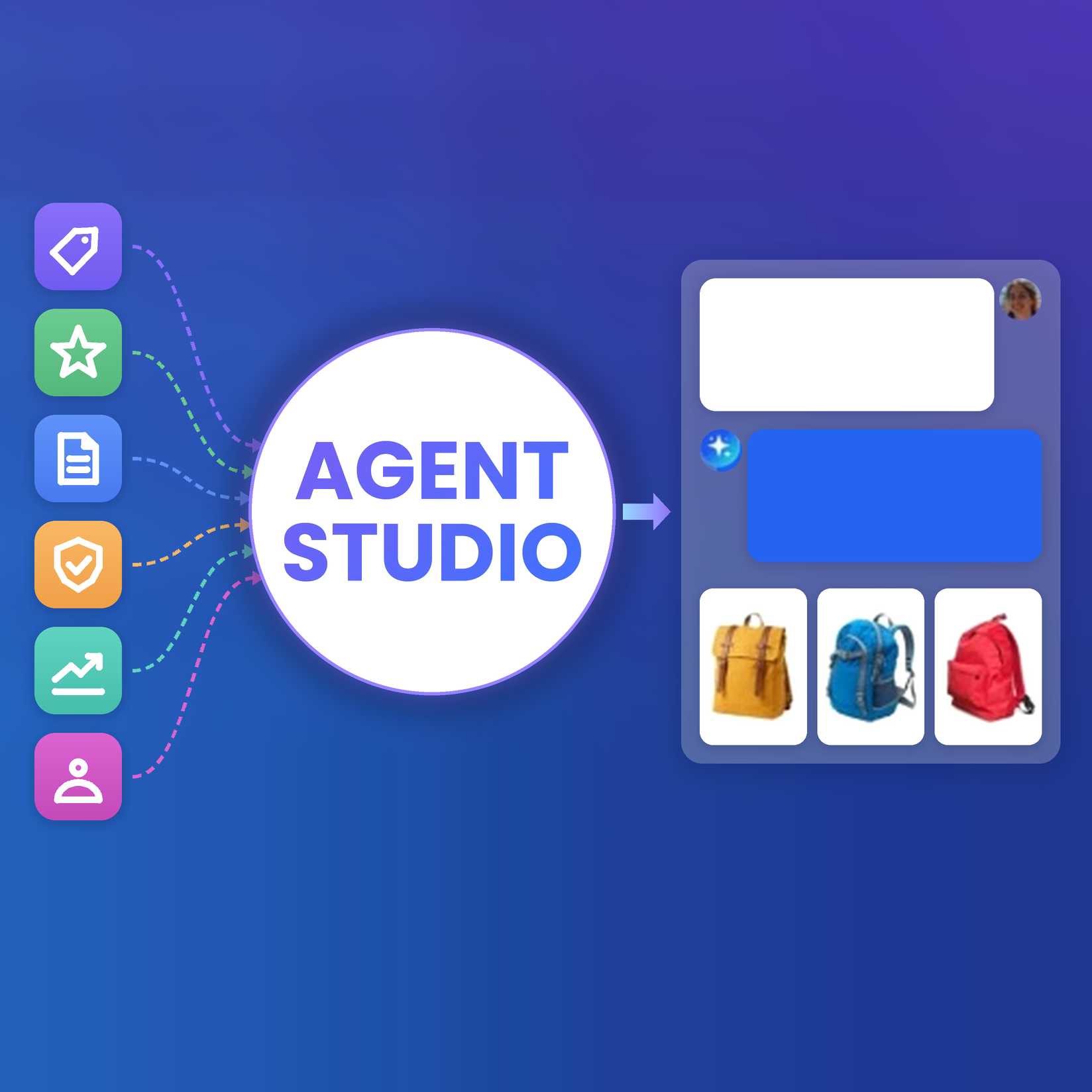
At Algolia, we recently released new guardrails and cost control features for Agent Studio. Now, teams have much more say in how their agents act and where they're deployed. In this blog, we'll explore what guardrails are, how they can be deployed more generally, different types of guardrails, and the kinds risks at play.
Where to apply the guardrails
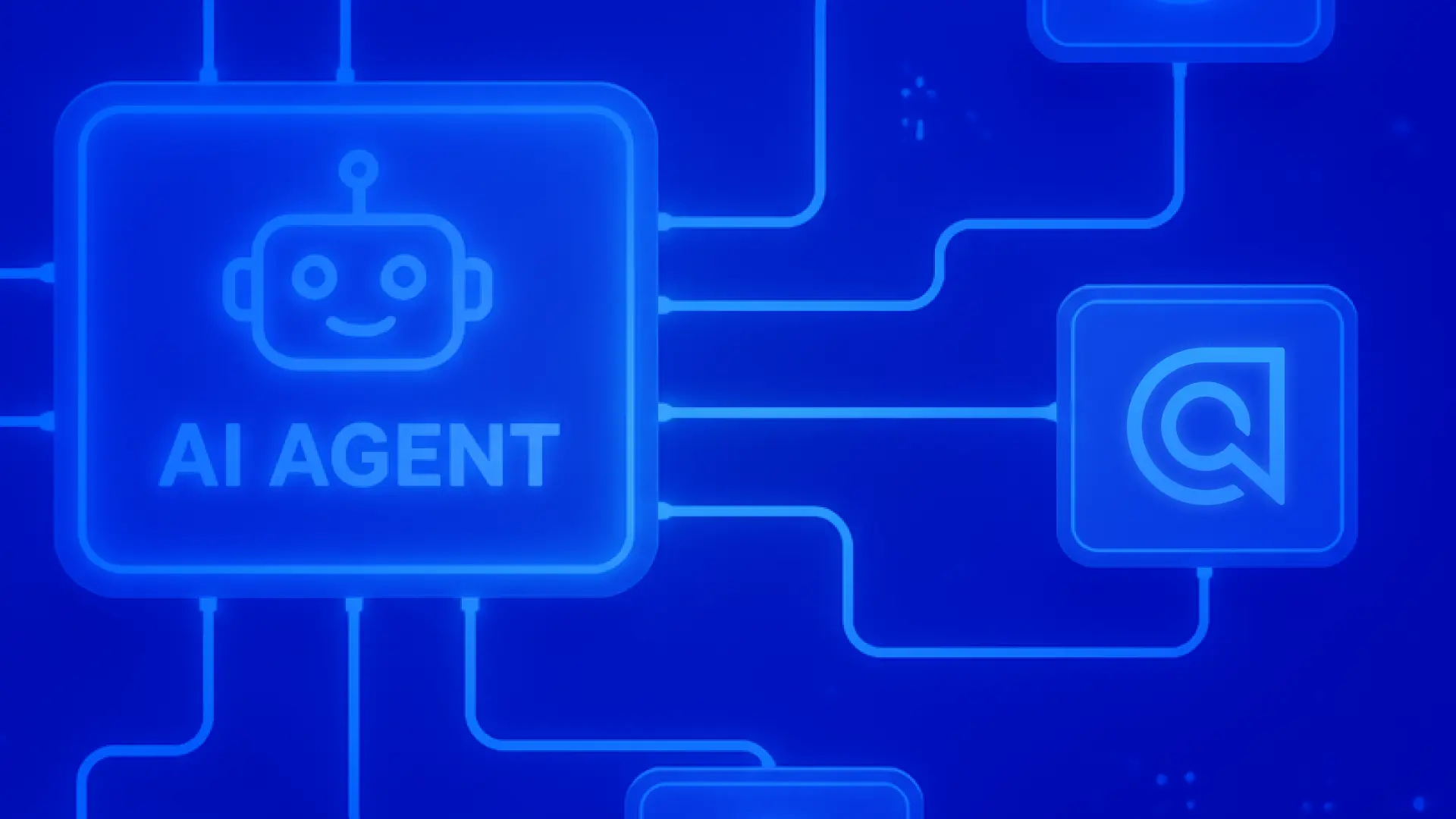
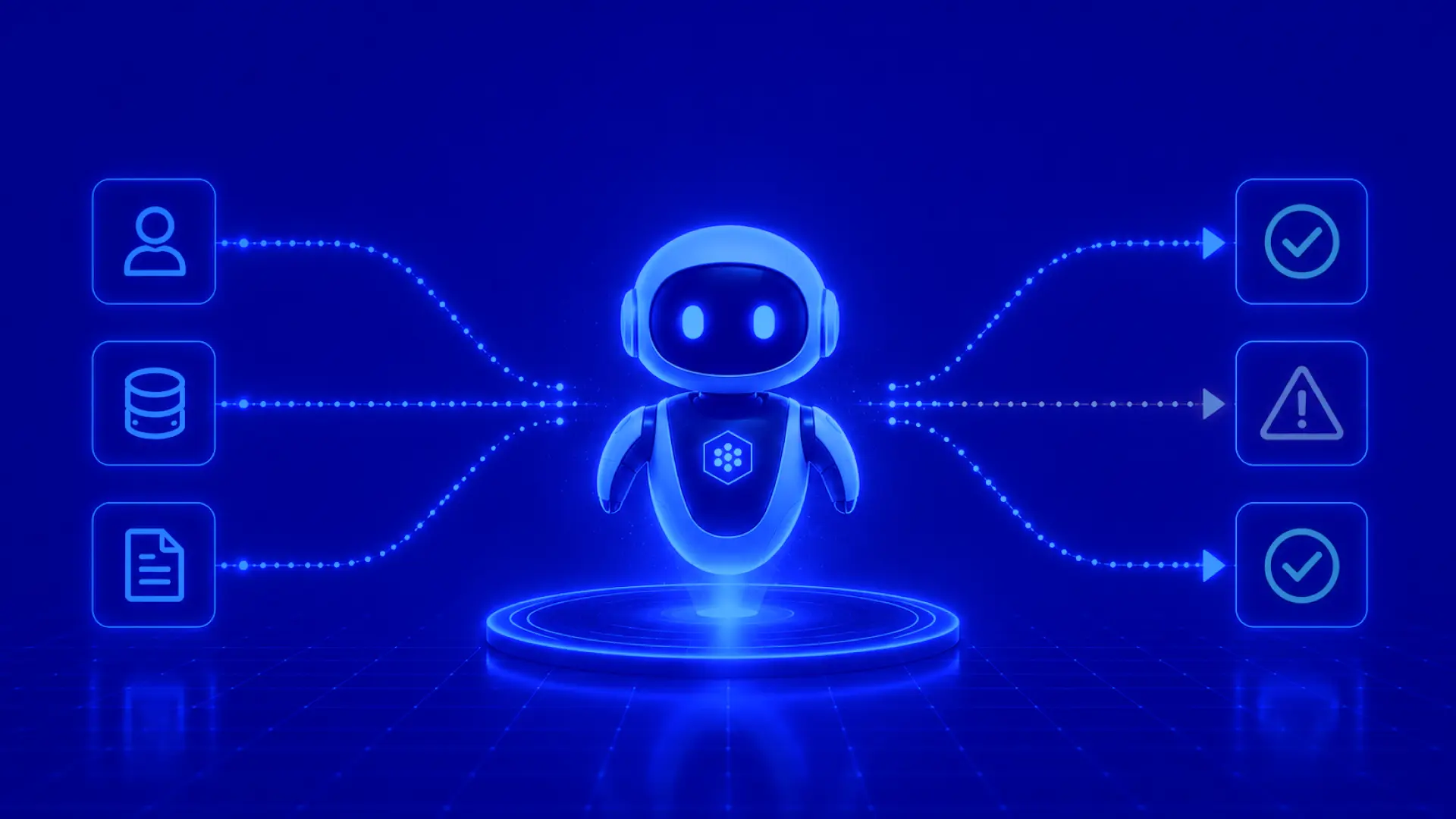
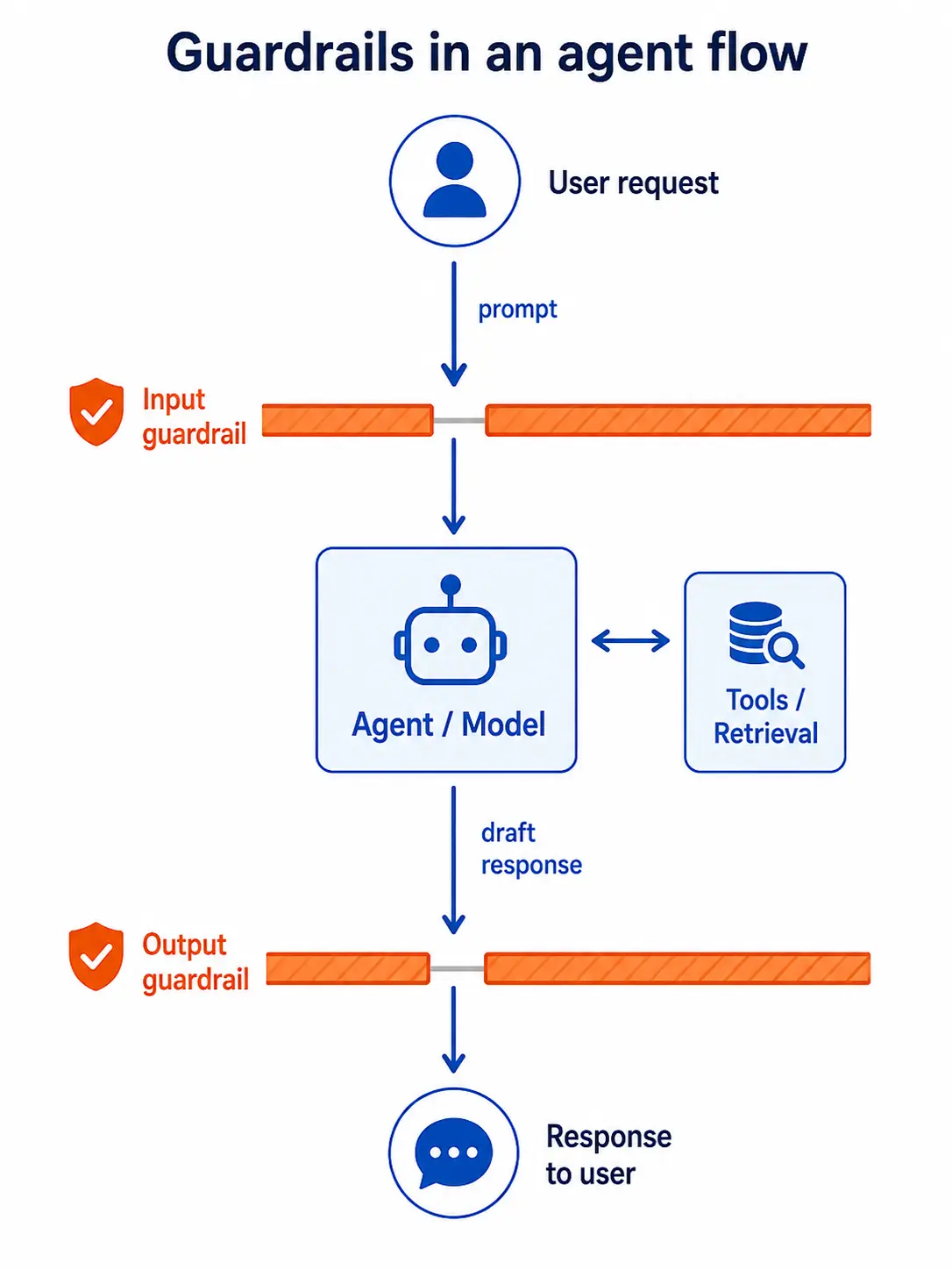
There are a few points in the basic agent flow where we have a chance to restrict what the agent is doing. Instead of asking it to remember every safety rule we give it, we can add dedicated policy checks at those points. It’s similar to how security at a big venue sets up checkpoints at entrances and exits to make sure nobody brings anything bad in or out — we can do the same at the ingress and egress points of our agent to stop unwanted information from getting in or out of the system. Each checkpoint can apply policy logic separately from the agent’s task instructions.
Input guardrails
An input guardrail evaluates the user’s request before the main agent workflow runs. Its job is to determine whether the request is appropriate for this agent using our predefined criteria. If it isn’t, the request is blocked.
This can be rather tricky. For example, imagine a retail agent that helps customers find and purchase merchandise. The business may sell some politically-themed items, so they want the agent to answer questions about those products without participating in general political debate. A broad keyword filter could block both types of requests because they contain many of the same words. An input guardrail with the right business context should make the distinction:
“Do you sell shirts supporting this candidate?” — An allowed product question
“Who should I vote for?” — Out of scope political advice
This is why effective guardrails can’t rely only on lists of forbidden words. They need to classify the request according to the business purpose of the agent, the user’s intent, and the exceptions the business wants to support.
The guardrail might allow the request to continue, reject it with a concise explanation, or route it to a different workflow. In each case, the decision is made before the agent can retrieve data or call tools, which prevents an out-of-scope request from triggering unnecessary or poisoned downstream actions.
Input checks can also identify when a request has prerequisites. For example, a user asking to modify an order may need to be authenticated before the agent can access account information or invoke an order-management tool. The guardrail does not replace authentication or authorization, but it can:
recognize that they’re required before the request proceeds,
trigger an auth flow (preferably right within that UI to reduce friction), and
approve the original request if the auth succeeds.
Output guardrails
An output guardrail evaluates the agent’s response before that response is shown to the user. Its job is to check whether the response complies with the business’s policies around confidential or off-limits information.
Consider an agent connected to an internal search system. The agent may use indexes, ranking signals, metadata, or internal operating procedures to produce an answer. The user should receive the relevant result, but not a description of the internal index structure, private implementation details, or sensitive information retrieved along the way. An output guardrail can inspect the draft response for information like that and prevent them from being shown to the user. Depending on the policy, it could block the response, remove the sensitive portion, or ask the agent to produce a safer revision. That last option usually makes for the best user experience, even if it means the cost and latency of a second response generation.
This output checkpoint matters because even a good-natured request can produce an unsafe response. The agent may misinterpret retrieved content, expose information from a tool result, or follow instructions embedded in external data. Checking only the user’s request would miss those failures. The output check provides a final opportunity to enforce what the agent is allowed to reveal.
Here’s a quick summary of the differences:
When they’re used
What they’re used for
Input guardrails
Before the agent sees the user’s message
Rejecting off-topic and inappropriate requests, classifying the type of request, verifying prerequisites have been completed
Output guardrails
Before the agent’s response is seen by the user
Preventing leaks of confidential user information or internal data structures, and protecting against malicious third party prompt injection
Agent Studio uses an independent classification LLM to evaluate content before and after processing against customizable brand guidelines. If a user’s prompt or the agent’s response triggers a prohibited category, the system blocks the interaction and serves a helpful fallback message instead. Multiple input and output guardrails can be added to manage for different types of risks.
Guardrails manage risk, not eliminate it
Guardrails reduce the probability and impact of unsafe behavior, but no individual guardrail can guarantee that an agent is safe. But since they’re probabilistic classifiers, we do get to choose where on the risk spectrum our classifier lies. On one end, an overly conservative classifier will block some legitimate requests (false positives), while on the other end an overly lax classifier will allow some requests that should have been blocked (false negatives). These come with other tradeoffs: aggressive policies can make an agent feel unreliable by increasing user friction, while loose policies can undermine trust when incidents are publicized. Teams have to decide which kind of mistake is more costly in each situation.
For example, some agents are built to handle low-risk actions. Their abilities are easily reversible, the subject matter reduces misunderstandings, and they’re not given access to confidential information. These agents are not as capable of damage, so they’re not as much of a liability. On the other hand, agents that handle sensitive data, money, external communications, account changes, or irreversible effects should generally require much stronger confidence or additional approval. These are the agents that are desperately in need of solid guardrails to keep them on track. The more powerful the agent is, the more easily it could be misused.
One of the best ways to make guardrails more effective is to pair them with deterministic systems when it comes to absolute, logical boundaries. For example, if a user needs to be authenticated to access data about their account, the model shouldn’t have access to all accounts automatically. If it tries to access account data, it should be met with a deterministic error that tells it to ask the user to log in. Once logged in, the model is given access to only that user’s data. This concept also applies to schema validation, accessible external source allowlists, database permissions, sandboxing, rate or spending limits. Guardrails don’t replace any of this. In general, try to follow the principle of least privilege and treat the agent like it’s capable of both incredible intelligence and amazing stupidity.
Here’s the real takeaway: we’re not trying to suggest that an agent can never do the wrong thing. Agent Studio guardrails make unsafe behavior harder to trigger and help contain the damage when something goes wrong. By checking both what goes into an agent and what comes out, they add another layer of protection alongside deterministic controls such as authentication, permissions, and spending limits.
Humans are still responsible
Classifier performance depends heavily on the quality of the underlying policy. That makes the the humans who wrote the policy the first failure point. Just like human workers need clear definitions, enough context, representative examples, and explicit exceptions to act in unison across a large organization, likewise agents need their human oversight to lay this all out precisely. If humans cannot consistently agree on how a borderline case should be handled, a guardrail will struggle too. Never trust AI to have “common sense”.
In specific cases, the agent might need to escalate a tough decision to a human reviewer. Instead of asking the AI to make a judgment call, give it a clear definition of the grey area in which to escalate. We can make this grey area as small as possible by implementing more logically consistent policies, but wherever the direction is ambiguous, the escalation option is usually preferable to the alternative when it comes to destructive, financially consequential, or otherwise irreversible actions.
Guardrails also need to be evaluated just like any other security feature. Just like you’d build a set of tests to probe an app’s authentication or role management, test how well the guardrails perform on a variety of agent runs. Include ordinary requests, ambiguous edge cases, known attacks, adversarial paraphrases, multilingual inputs, multi-turn conversations, and retrievals of third-party malicious content. In your test set, mark specifically what should be the result for each case (including which particular check should fail and why), then run the tests and compare the results. Measure both false-positive and false-negative rates for each run; this will get you more accurate metrics than relying on a few hand-picked demos.
Testing doesn’t stop in production either. Keep a database of real conversation turns, including the user’s request, each guardrail decision and its explanation, the actions taken by the agent, and the final response. Over time, you might notice patterns in refusal reasons, user complaints, or other metrics that point toward policy drift or even targeted attacks. That’s good! Guardrail configuration in Agent Studio or any other agentic systems you adopt shouldn’t be set-it-and-forget-it. The agent will change, user behavior will change, and the policies themselves will eventually run into cases their authors didn’t anticipate. Someone has to keep watching the results, deciding what went wrong, and tightening the system accordingly. The guardrail may enforce the policy, but humans are still responsible for whether that policy works.



.webp)












%20(2).svg)